So Google requires an Android app be updated to a later API version if it’s to be distributed. No version 33 for the Play Store! That means a few gigabytes of downloads for the updated Android Studio and Android v35 SDKs.
Unfortunately, this Android app is built in Ionic/Angular/Capacitor. So we have to update from Ionic 7 to Ionic 8, Angular 16 to Angular 18, and Capacitor 5 to Capacitor 6. But that means we can’t use Nodejs 16 anymore. Which means that the Docker container we use for building needs to upgraded from Ubuntu 18.04 to at least 20.04.
We haven’t even gotten to the obsoleted Capacitor plugins yet. @capacitor-community/barcode-scanner has been deprecated in favor of @capacitor-mlkit/barcode-scanning, and I’m sure there are others. I’m just hoping the APIs are at least reasonably similar.
Once again, my plaint is: why didn’t I become a plumber?
“[The prison] was an immense and solid building, erected at a vast expense. I could not help thinking, as we approached the gate, what an uproar would have been made in the country, if any deluded man had proposed to spend one half the money it had cost, on the erection of an industrial school for the young, or a house of refuge for the deserving old.” — Charles Dickens, David Copperfield
“Most of the men seemed to have been raised in hardship by stern, desperate parents. What struck me was the good they thought it had done them (I had yet to meet an adult man with a poor opinion of himself) and their desire to impose the same broken fortunes on other people, particularly on the young -though not their own young, of course.” — Mavis Gallant, “Between Zero and One”
“In the end, the bottom line was this: everything worked. Wherever you looked, you found. That was everyone’s worst nightmare. That was the excitement of it all.” — M. John Harrison, Light
“In the same way bad money drives out good, misinformation drives out information… Unless information is stabilized by a strong evaluative filter, such as science, with its controlled experiments and repeatable results, it gets swamped by simpler, stabler misinformation. If the people who design and run the Web don’t develop reliable ways to evaluate and stabilize information, the Internet may become the agent of social chaos.” — Samuel Delany, “Future Shock,” The Village Voice, 28 Dec 1999
“One of the biases of retrospection is to believe that the moral crises of the past were clearer than our own—that, had we been alive at the time, we would have recognized them, known what to do about them, and known when the time had come to do so. That is a fantasy. Iniquity is always coercive and insidious and intimidating, and lived reality is always a muddle, and the kind of clarity that leads to action comes not from without but from within. ” — Kathryn Schulz, “The Perilous Lure of the Underground Railroad”, The New Yorker, August 22, 2016
The annual Venice Mardi Gras parade was on the 25th (due to scheduling issues, that’s the midst of Lent this year!), so it was time to make a costume.
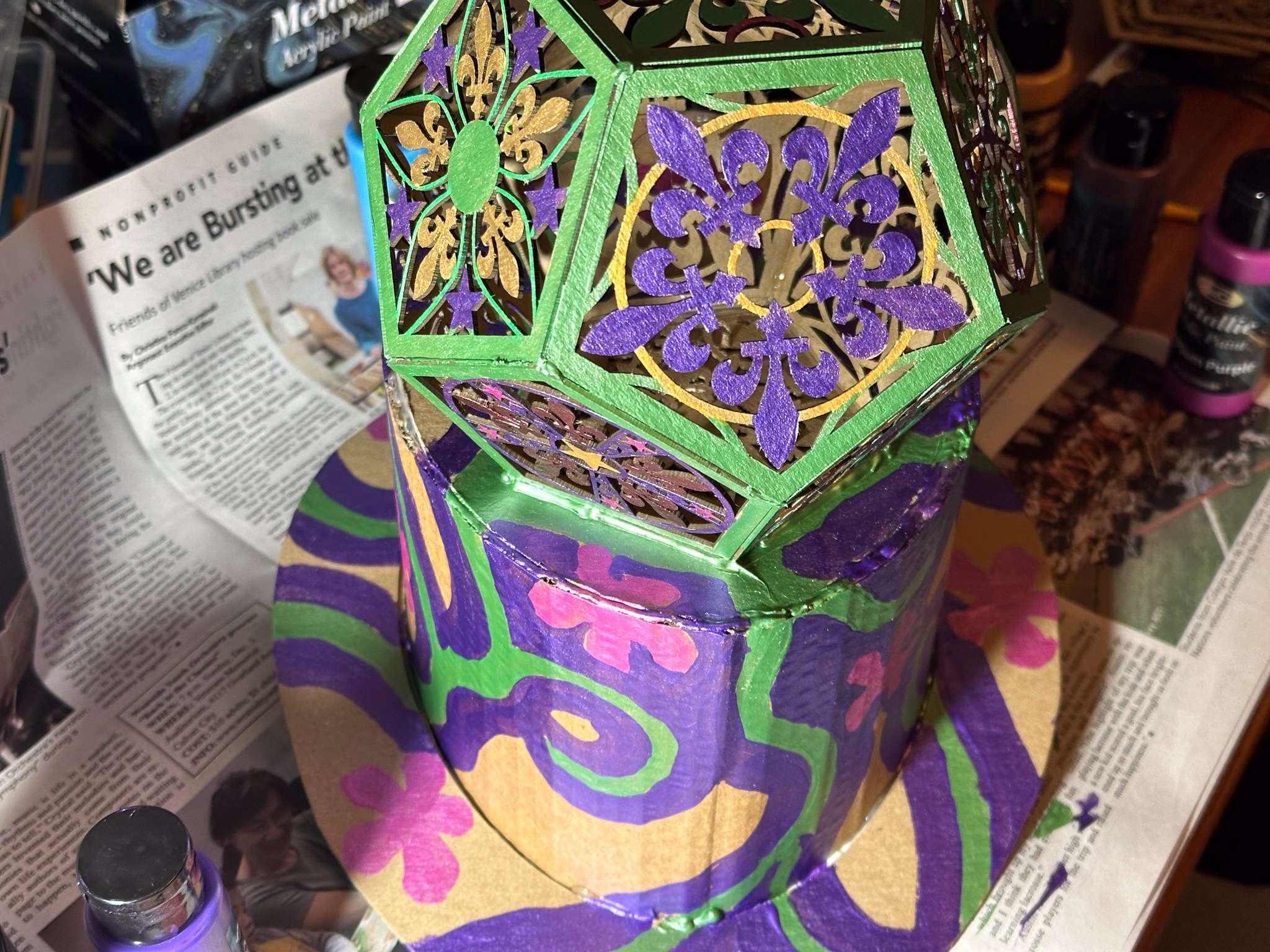
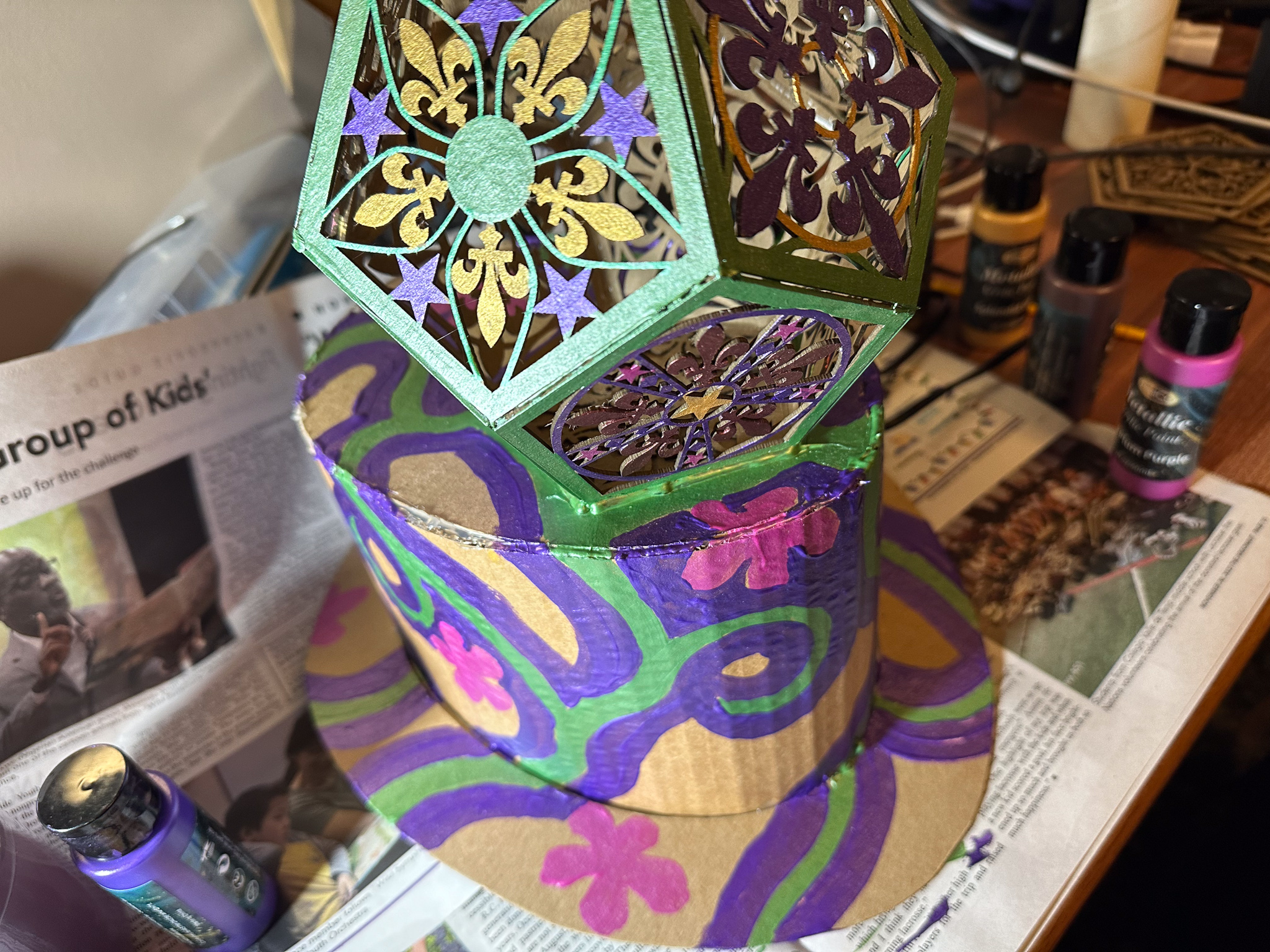
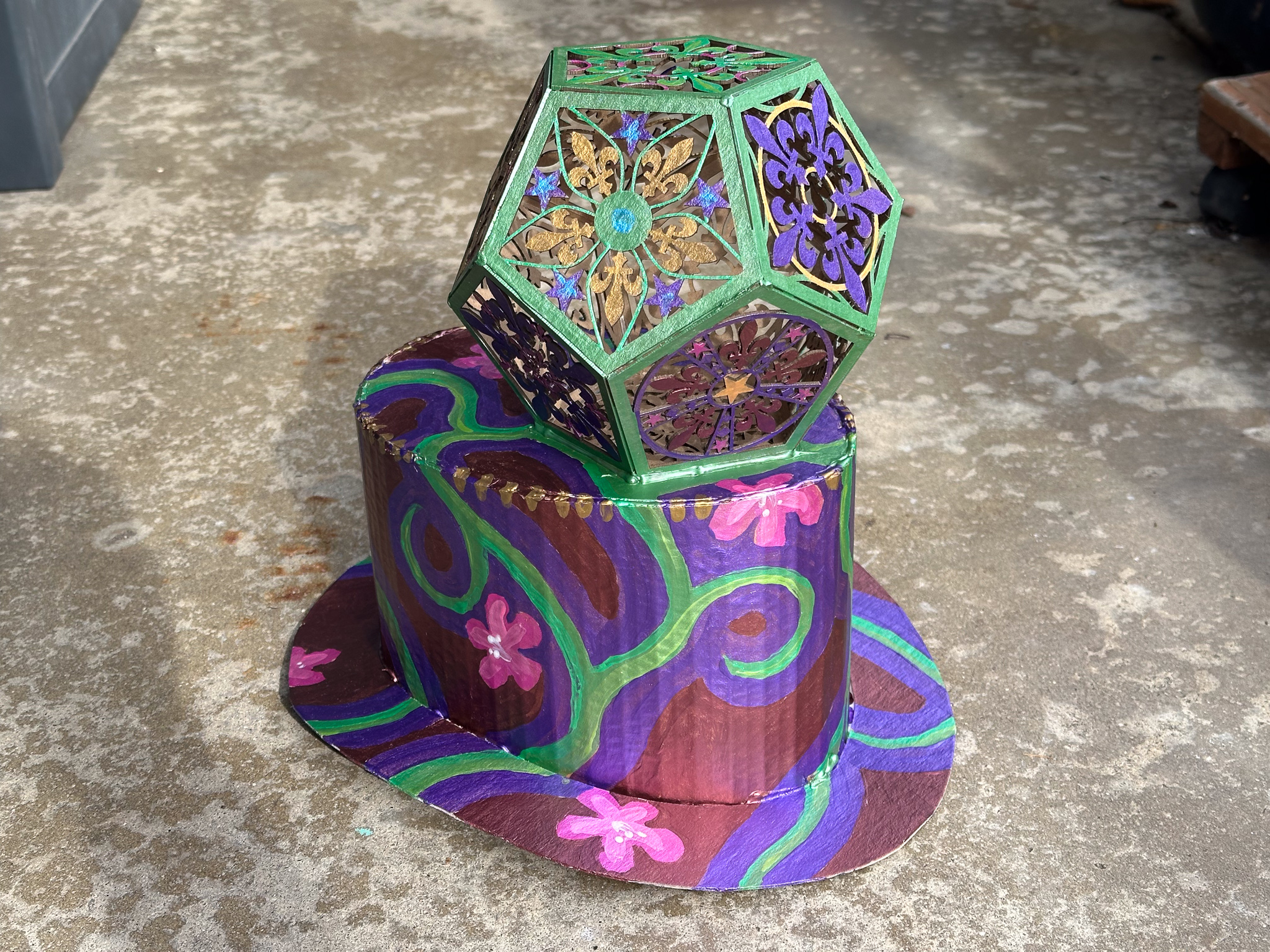
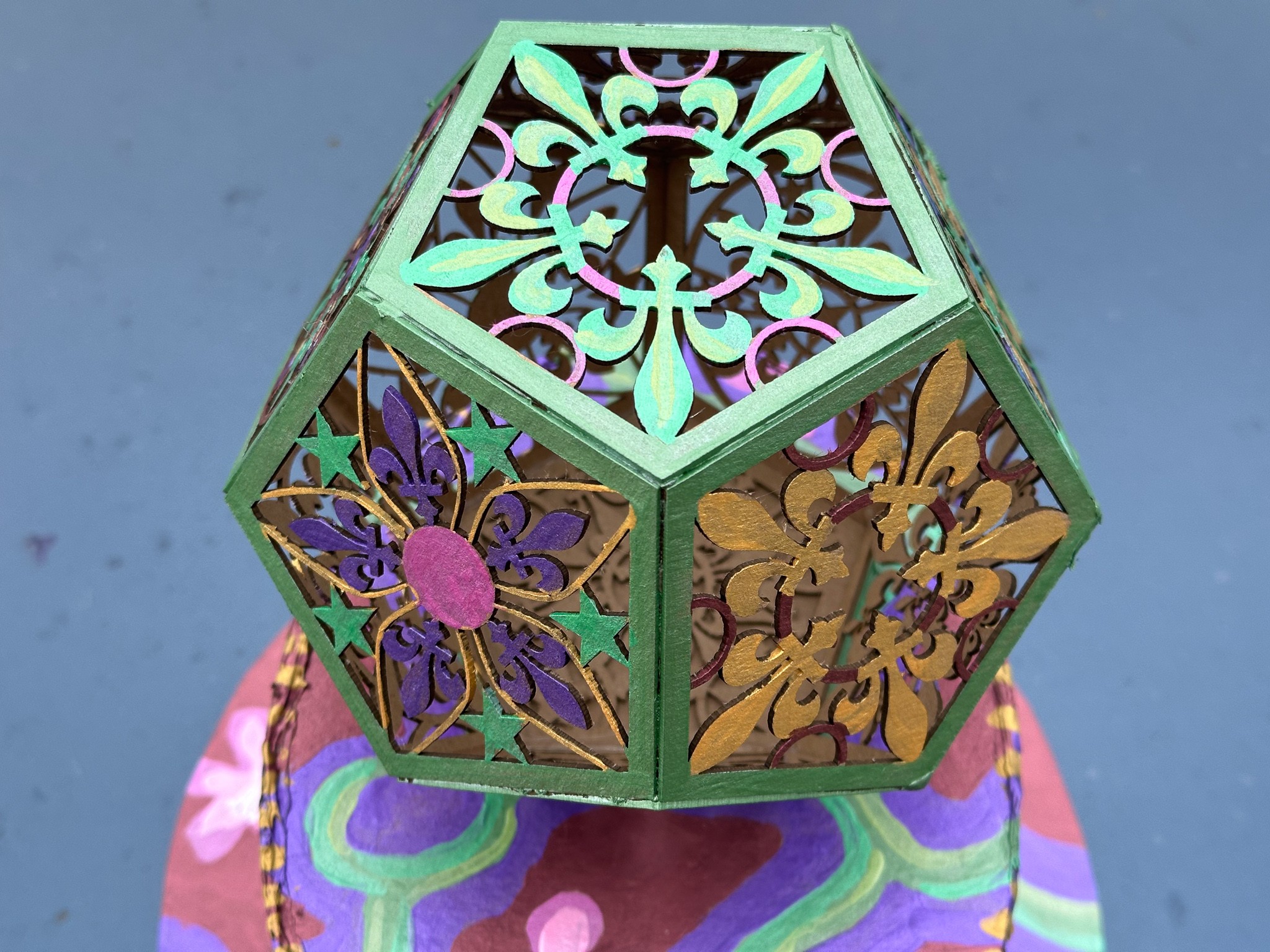
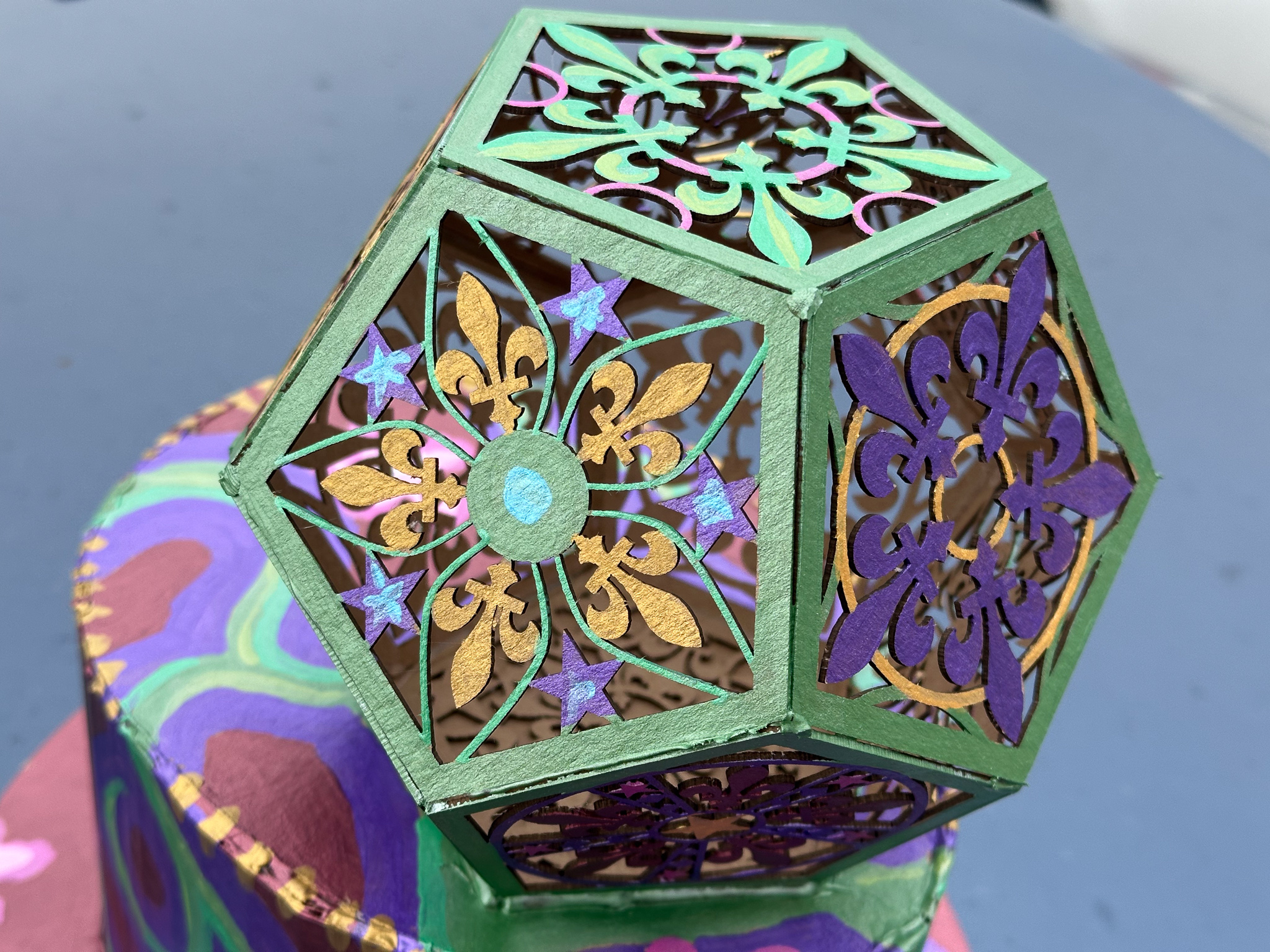
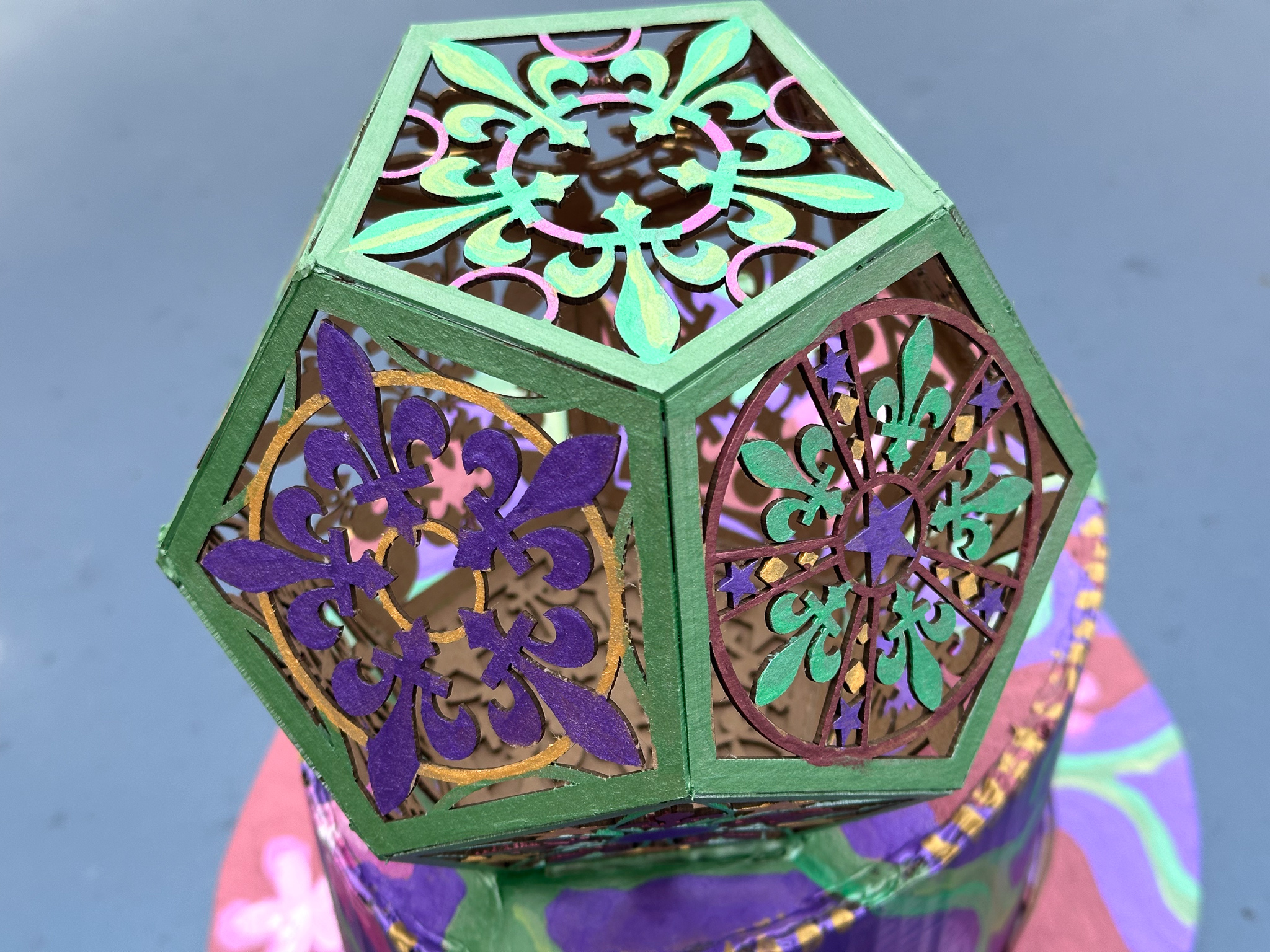
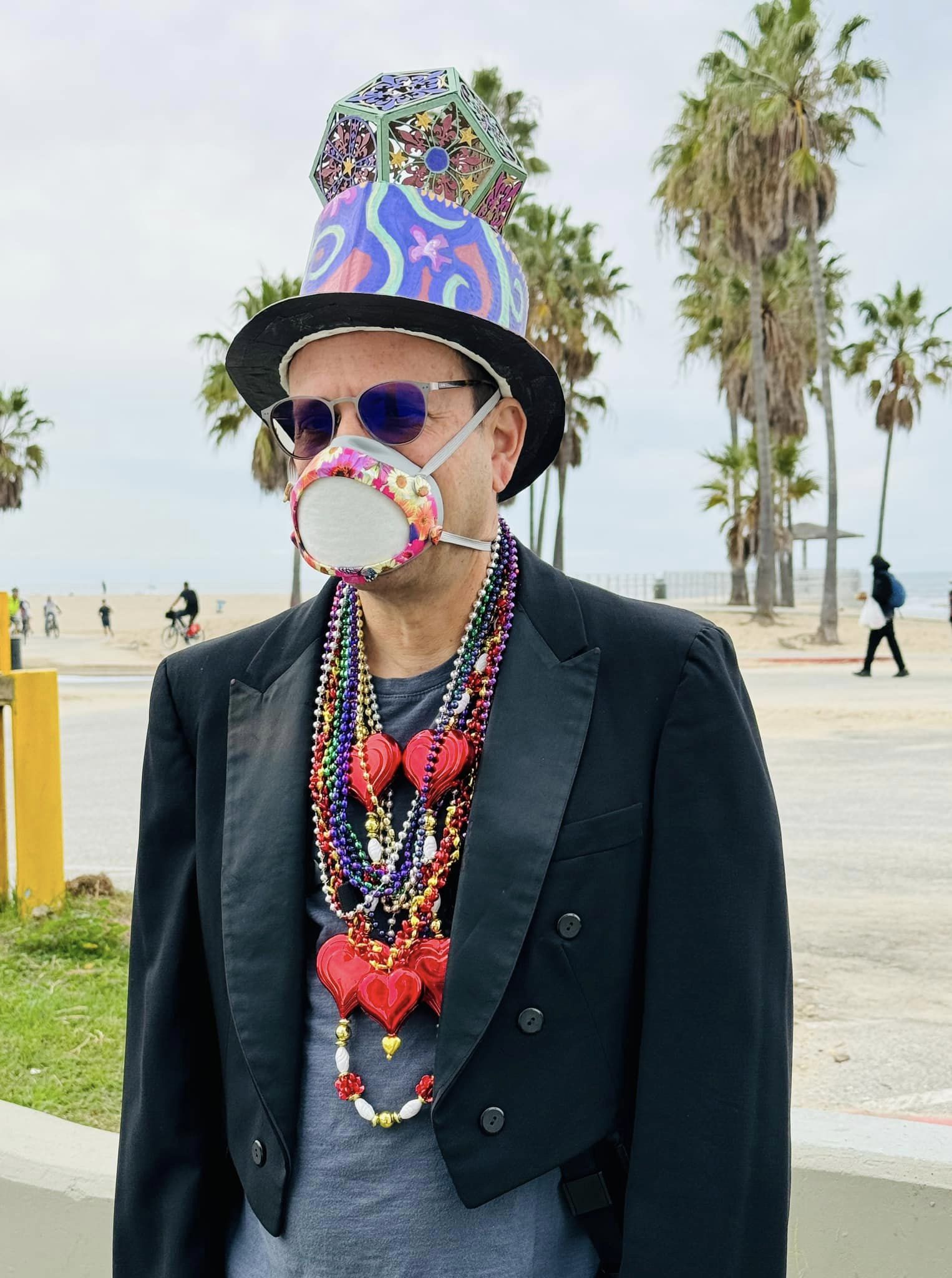
As the self-appointed official unofficial photographer, I always need to be able to wield one or more cameras, so my costumes tend to focus on some kind of headgear that won’t get in the way. Past costumes have included wild structures to hide a fill-in flash, wizard hats, a big papier-mâché fish, and the like. This year, since the theme is “Magical Mystery Trip,” I figured a variant on a top-hat would hint at magicianishness. A magical geometrical figure adds to the alchemical implications, so I put a Mardi Gras themed dodecahedron on it.
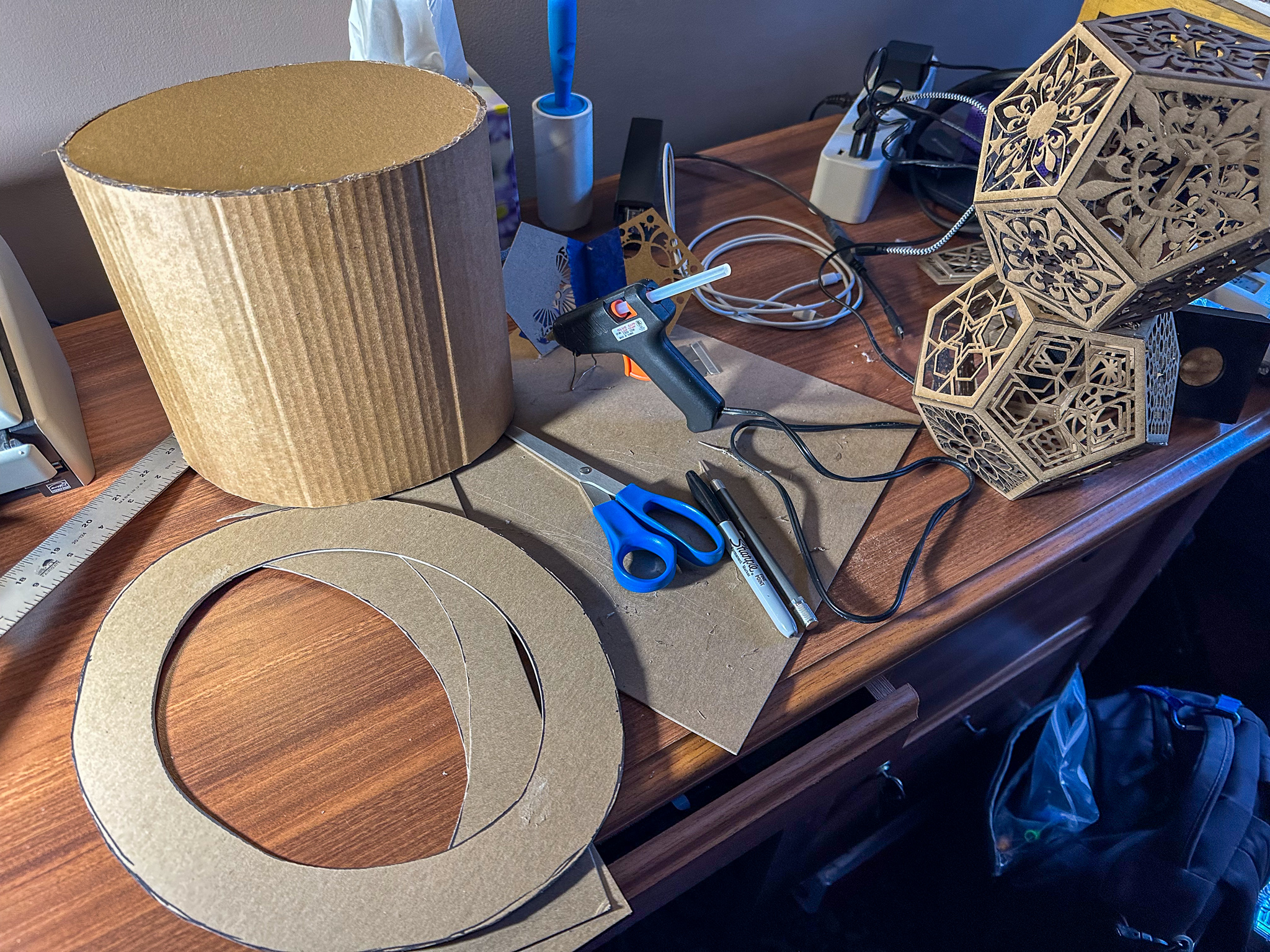
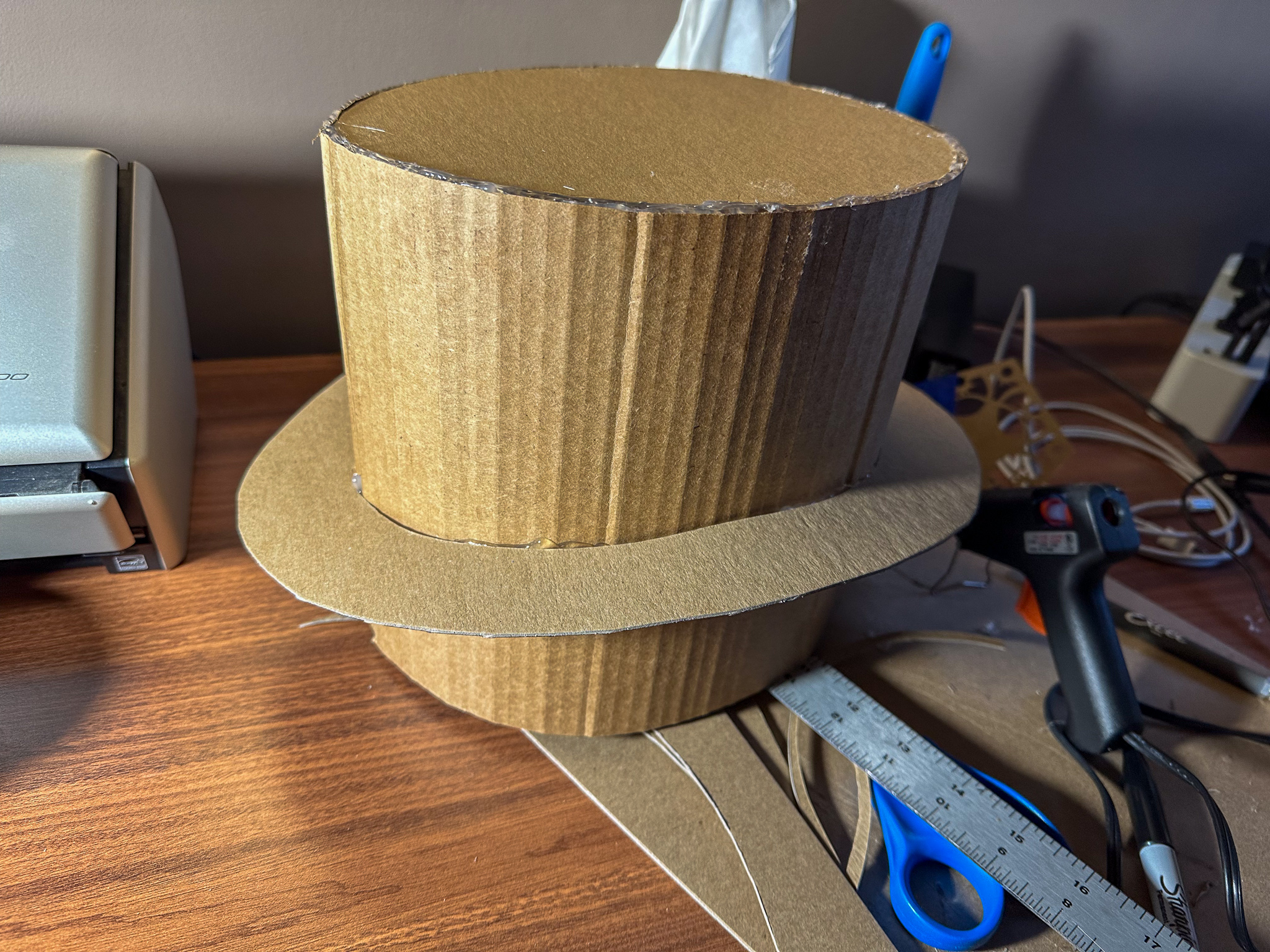
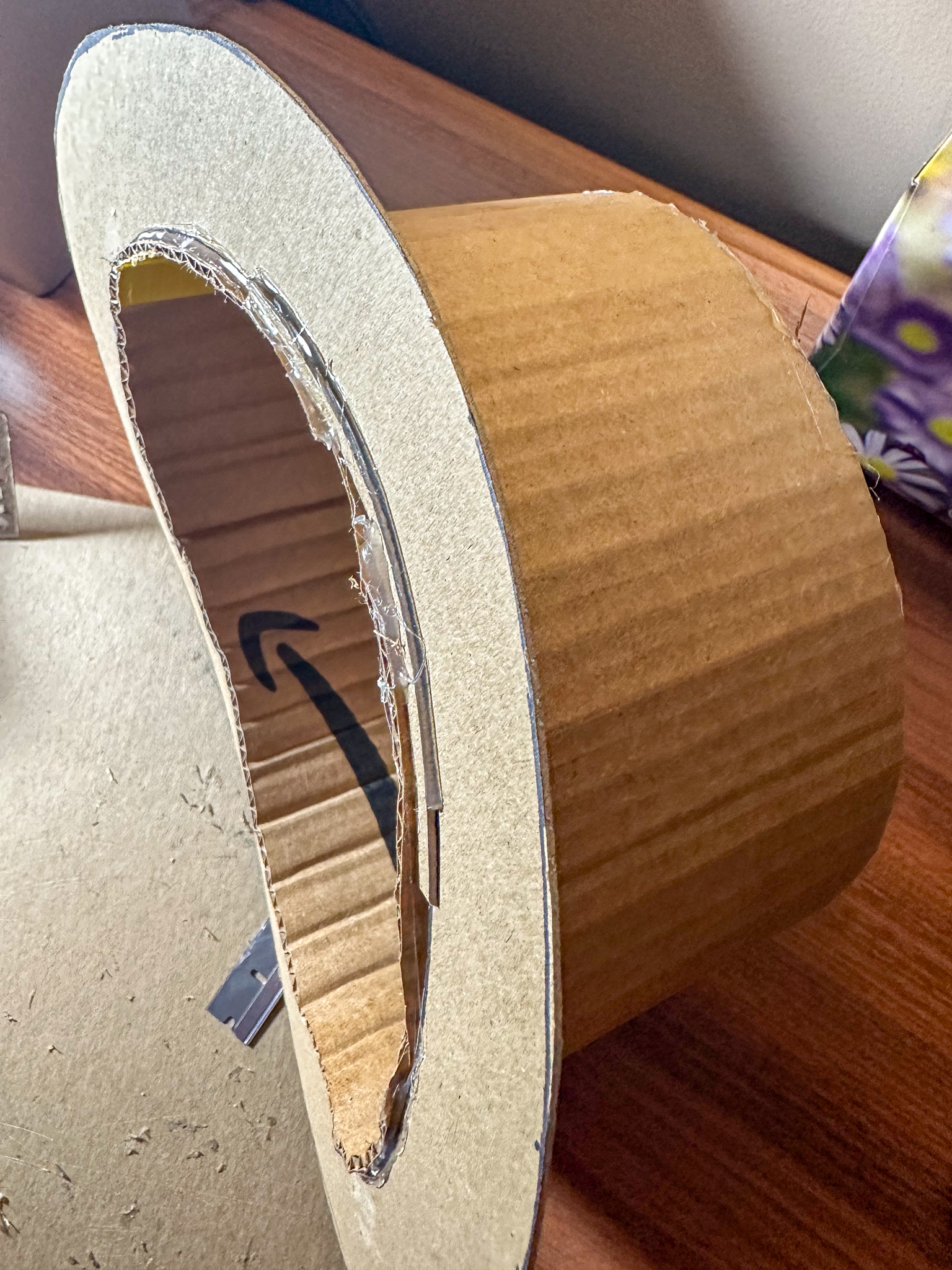
The top hat itself is made of cardboard. I started by measuring my head with a piece of string, cutting out a sheet from a delivery box (the corrugations pulled over the hard edge of the table to make it flexible), and creating a cylinder. Duct tape was used inside to hold it together. A top plug was hand-drawn, cut out, and hot-glued into place. Oh, so much hot glue. It’s great for imprecise work like this: it fills gaps, is adjustable for those vital few seconds, but hardens quickly into a pretty good secure bond. The brim was then drawn onto a sheet of chipboard, cut, positioned, and glued. After that, I cut the cylinder down to the curve with a razor blade, and taped in some padding with gaffer tape to help smooth that edge.
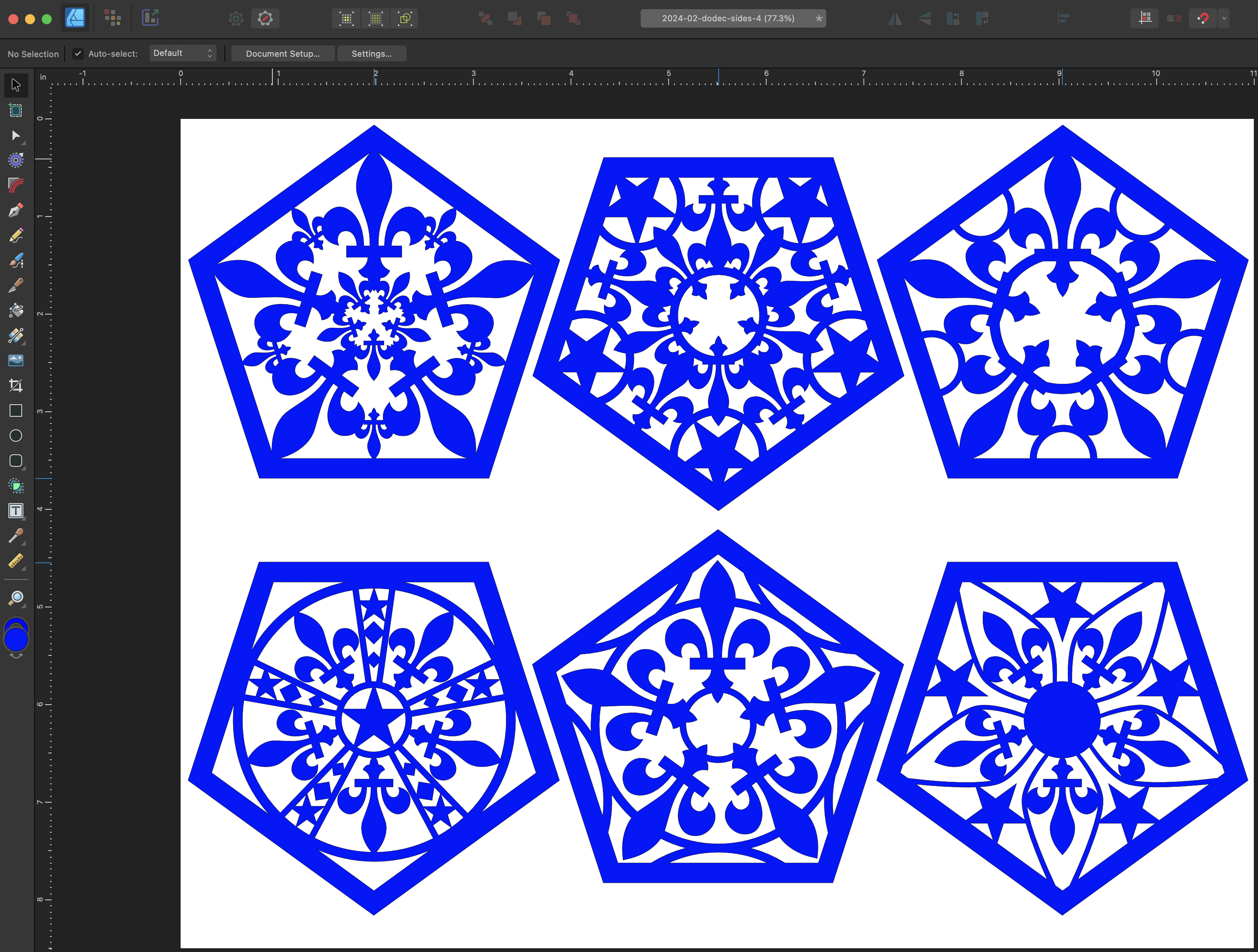
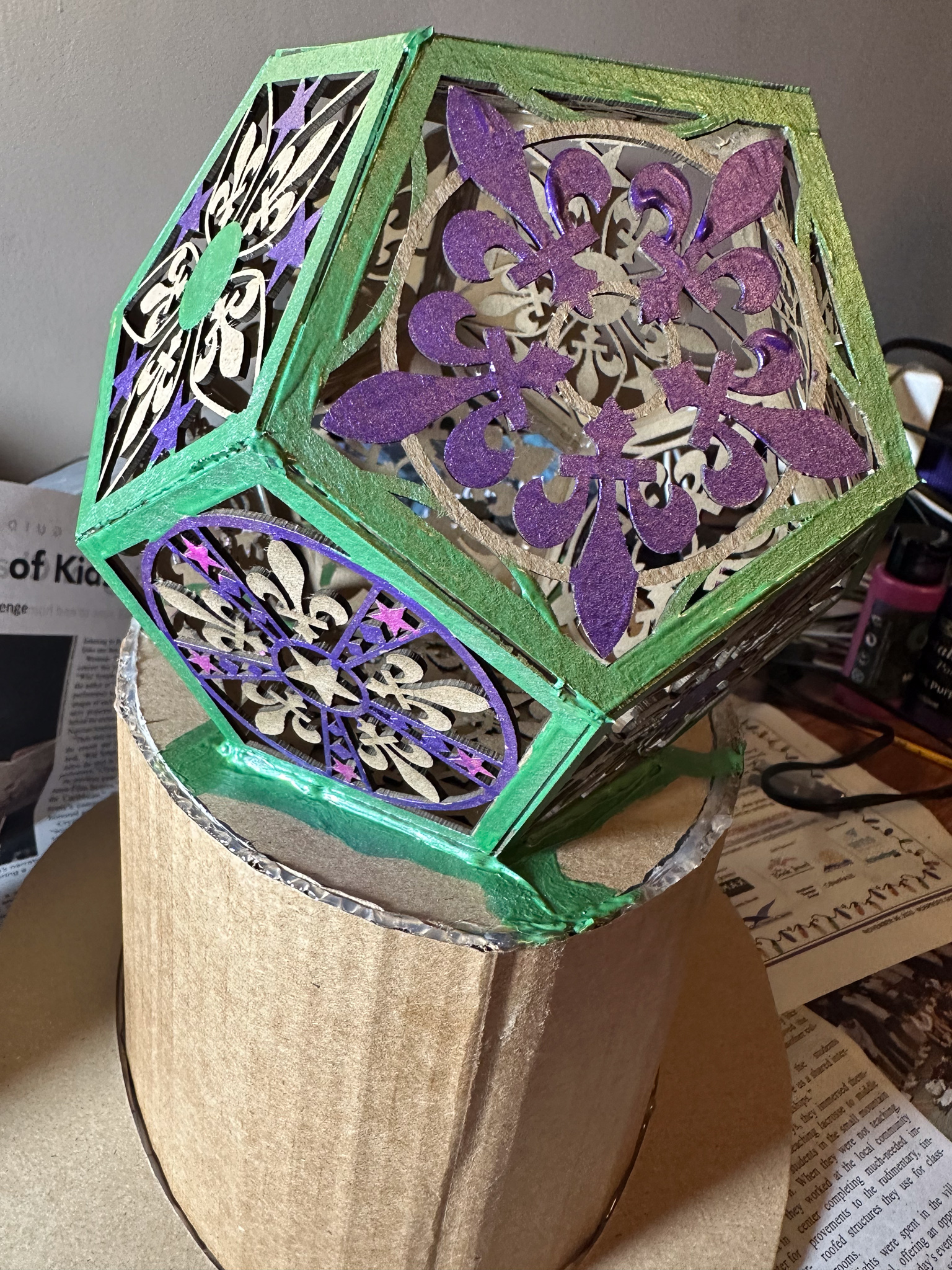
Then the hat part got put aside for a bit while the decoration was implemented. A dodecahedron is a geometric solid made of twelve pentagons. To add interest, I used Affinity Designer to illustrate a collection of pentagonal patterns based on fleurs-de-lis. You can download the design file as a PDF.
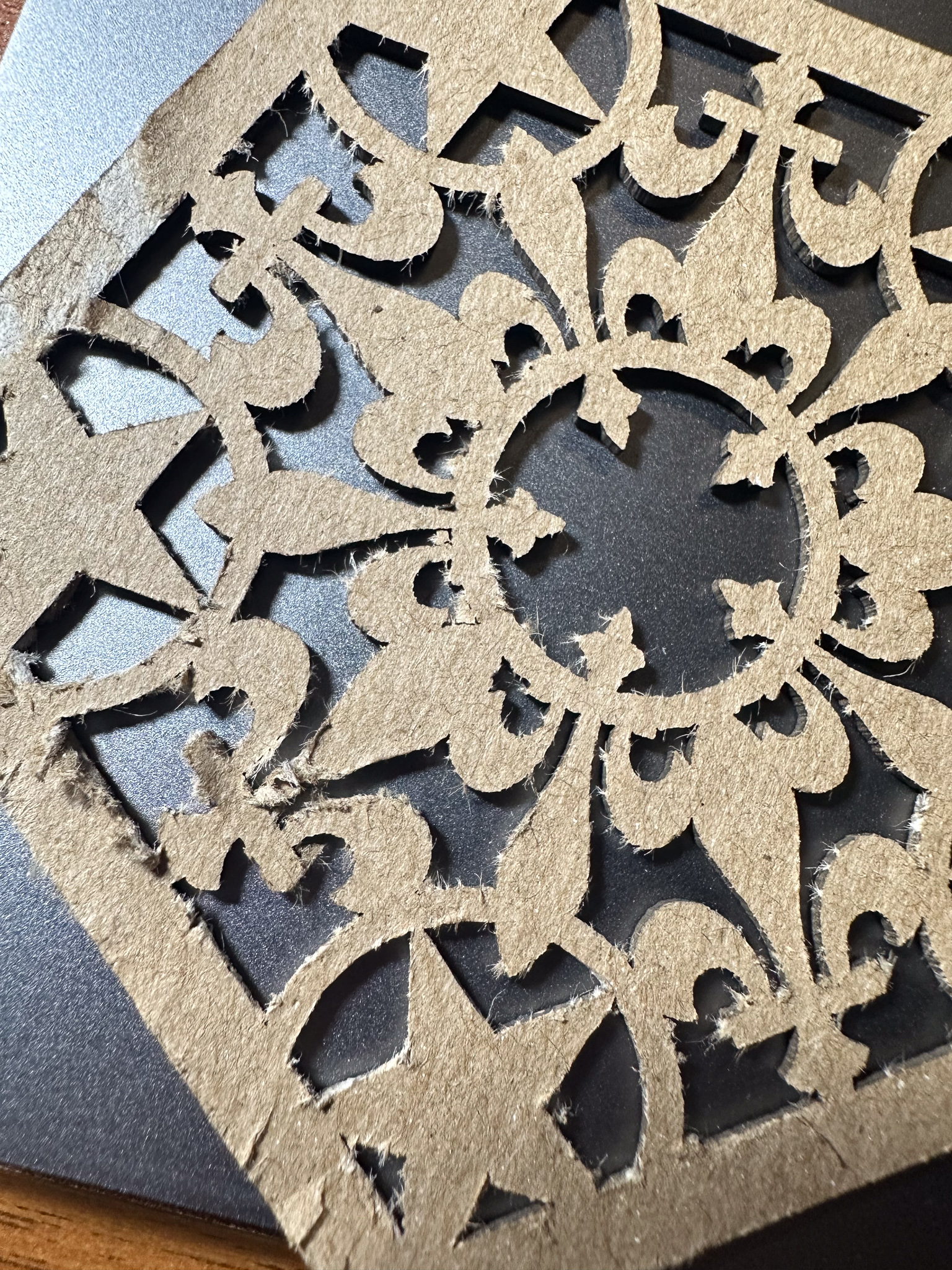
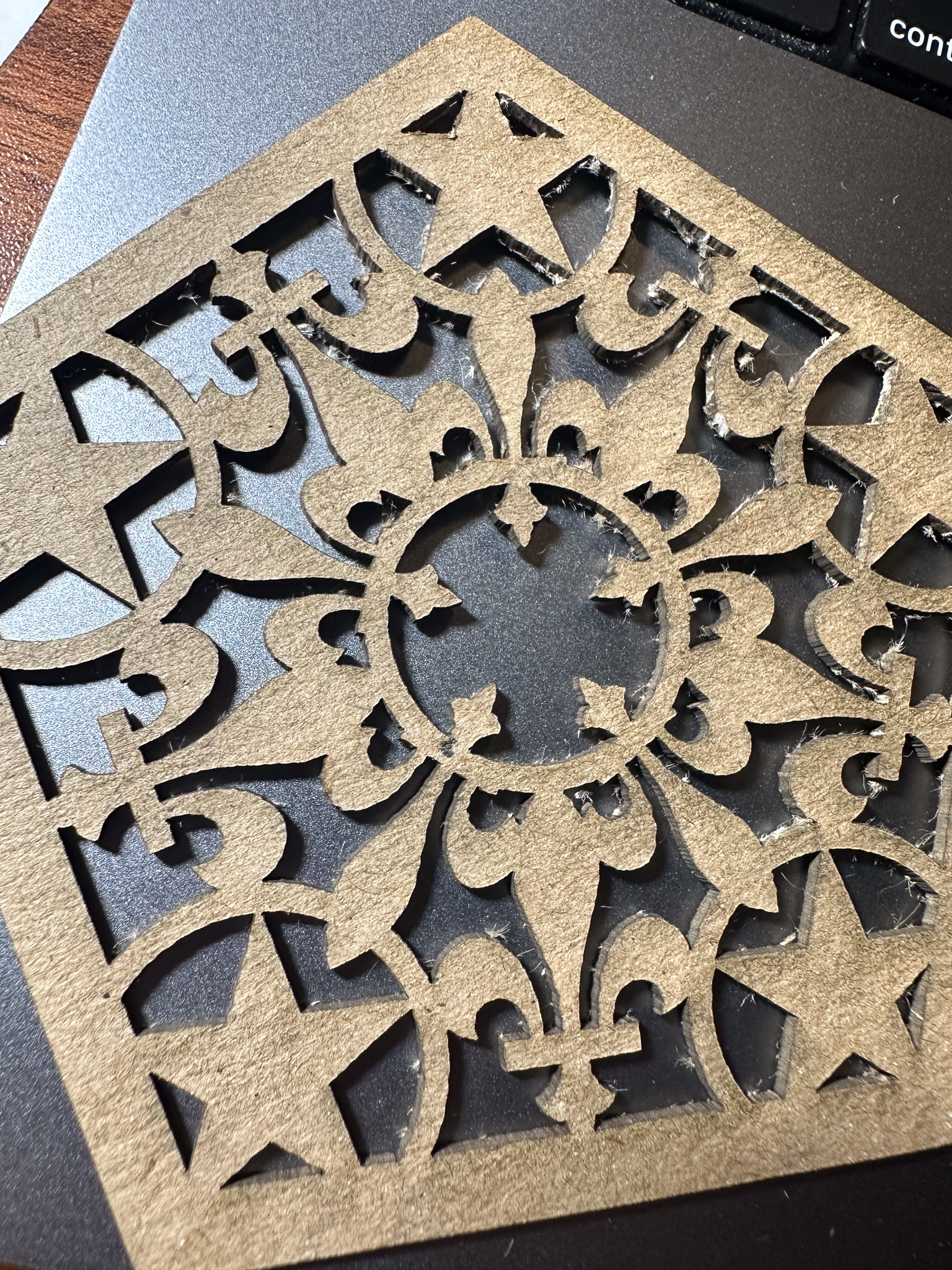
I took the file and a pack of acid-free chipboard to CrashSpace, and zapped out a bunch of pentagons on the trusty Epilog laser cutter. The chipboard comes in sheets that are 12 by 12 inches and “medium weight” which translates to 0.057 inches (~1.47mm) thick. Because the boards are not perfectly flat, the laser cutter doesn’t cut exactly the same across the entire sheet, meaning that some of the cut-out areas aren’t completely cut out.
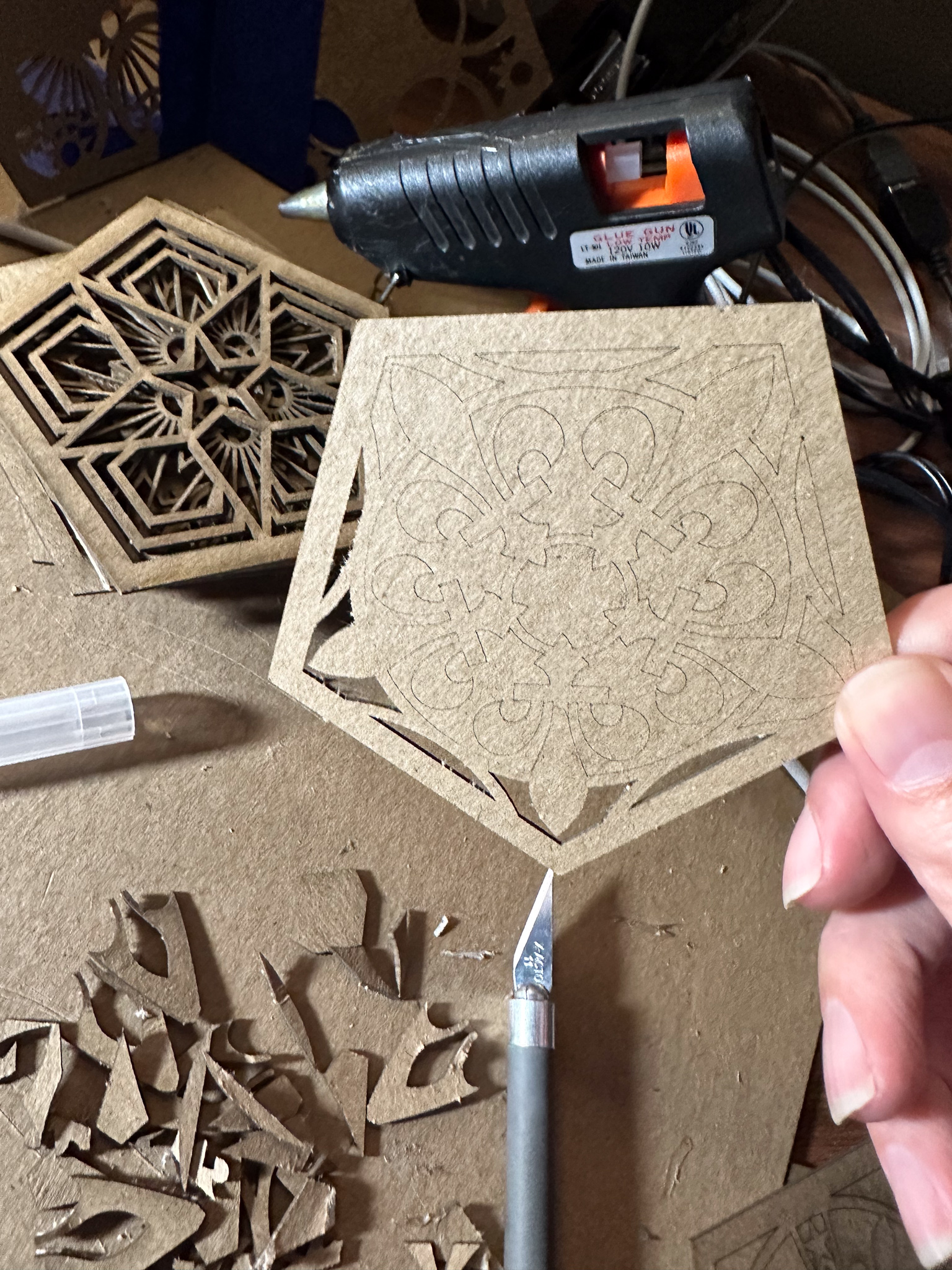
In the vinyl- and paper-cutting crafts world, they refer to removing the cut-out portions from a design with the delightful term “weeding.” For most of the patterns, weeding just involves popping out the loosely connected portions. But there are places where I got poor through-cut. Also, the density of the chipboard is not very uniform, so some areas took a lot of cleanup with an X-Acto knife.
If I had been wiser, I would have recut these at a slightly slower speed to make sure there was complete cut-through.
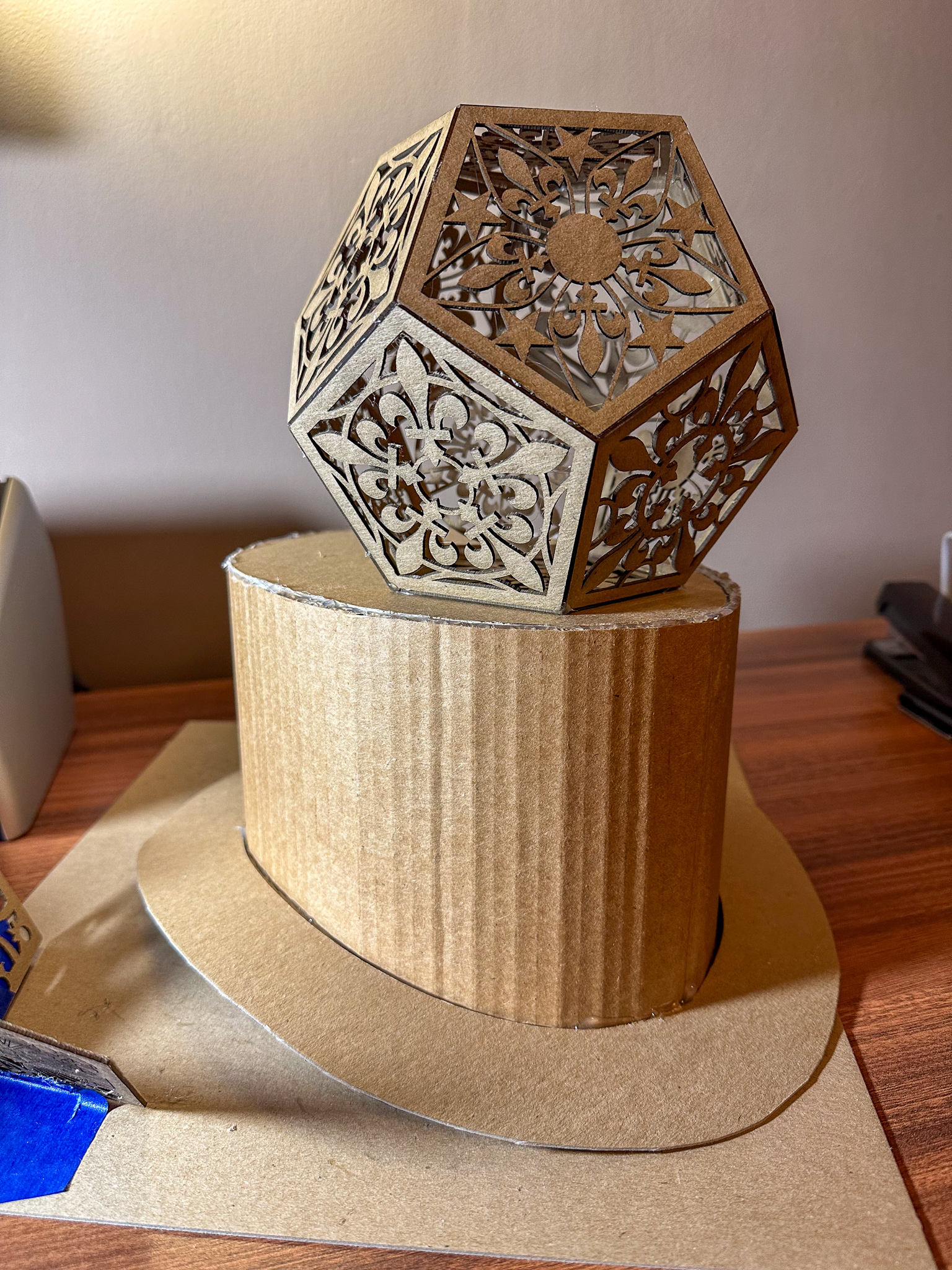
Then, out came the hot-glue again, and the pentagons were assembled into a dodecahedron. You can kind of see in the lower left corner of picture below a temporary jig I made for positioning the pentagons into groups of three for rapid gluing. It’s not very precise, but fortunately it doesn’t need to be.
Next came painting. I have a set of metallic acrylic paints that were bought for last year’s Mardi Gras mask. In retrospect, I should not have bought them as the “metallic” effect is produced by tiny plastic flakes like glitter. Ugh. Micro-plastics. We’re all full of ’em, and it’s only getting worse. But I already have the paints, so I decided to use them.
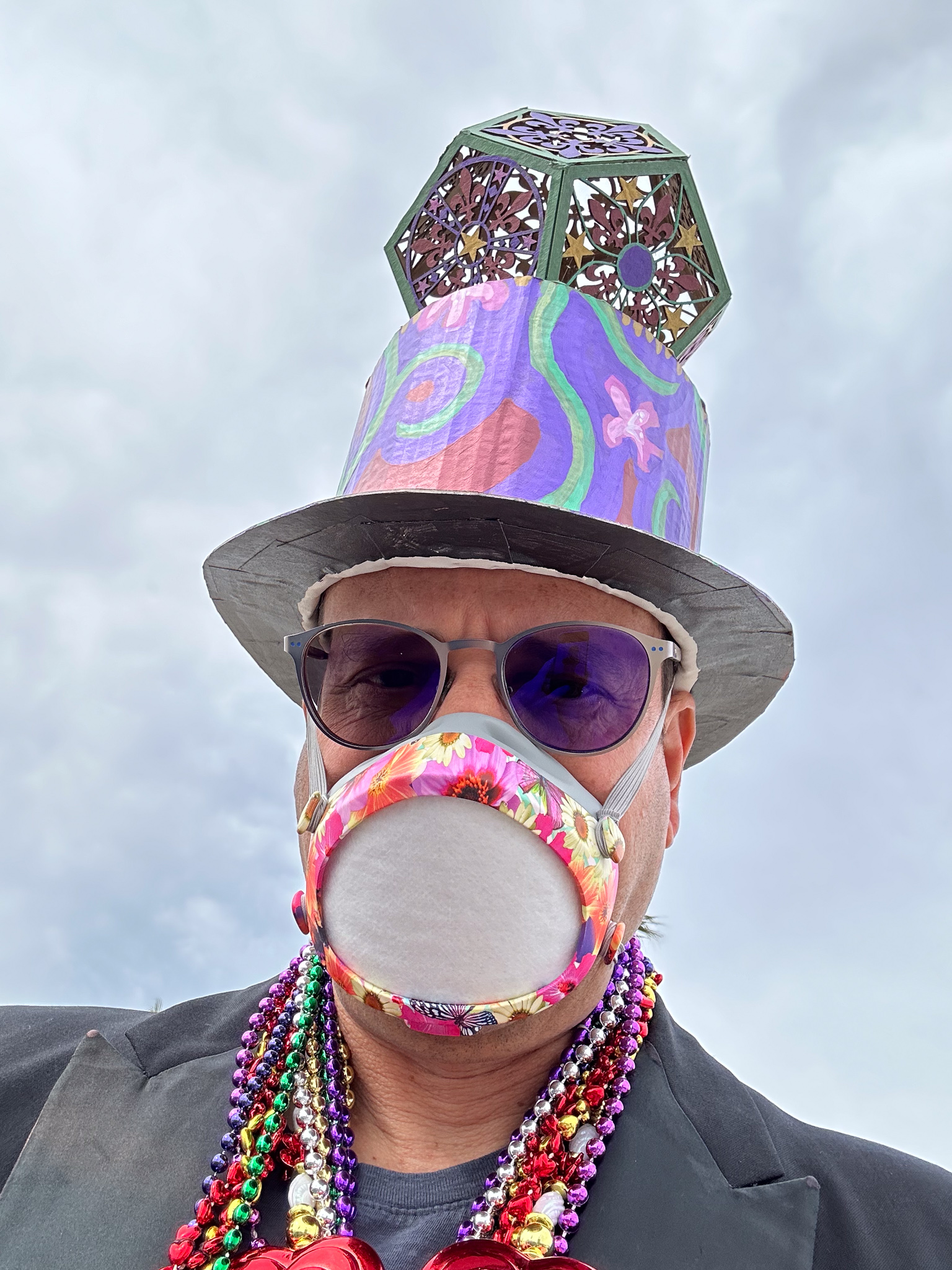
The final result didn’t end up looking half bad. I wore a not-terribly-clashing floral front-plate for my FloMask to complete the look.
photo by Nina JJarus
In the spirit of Mardi Gras, at the end of the parade, the hat was given to a school teacher whose students had just learned about dodecahedrons.
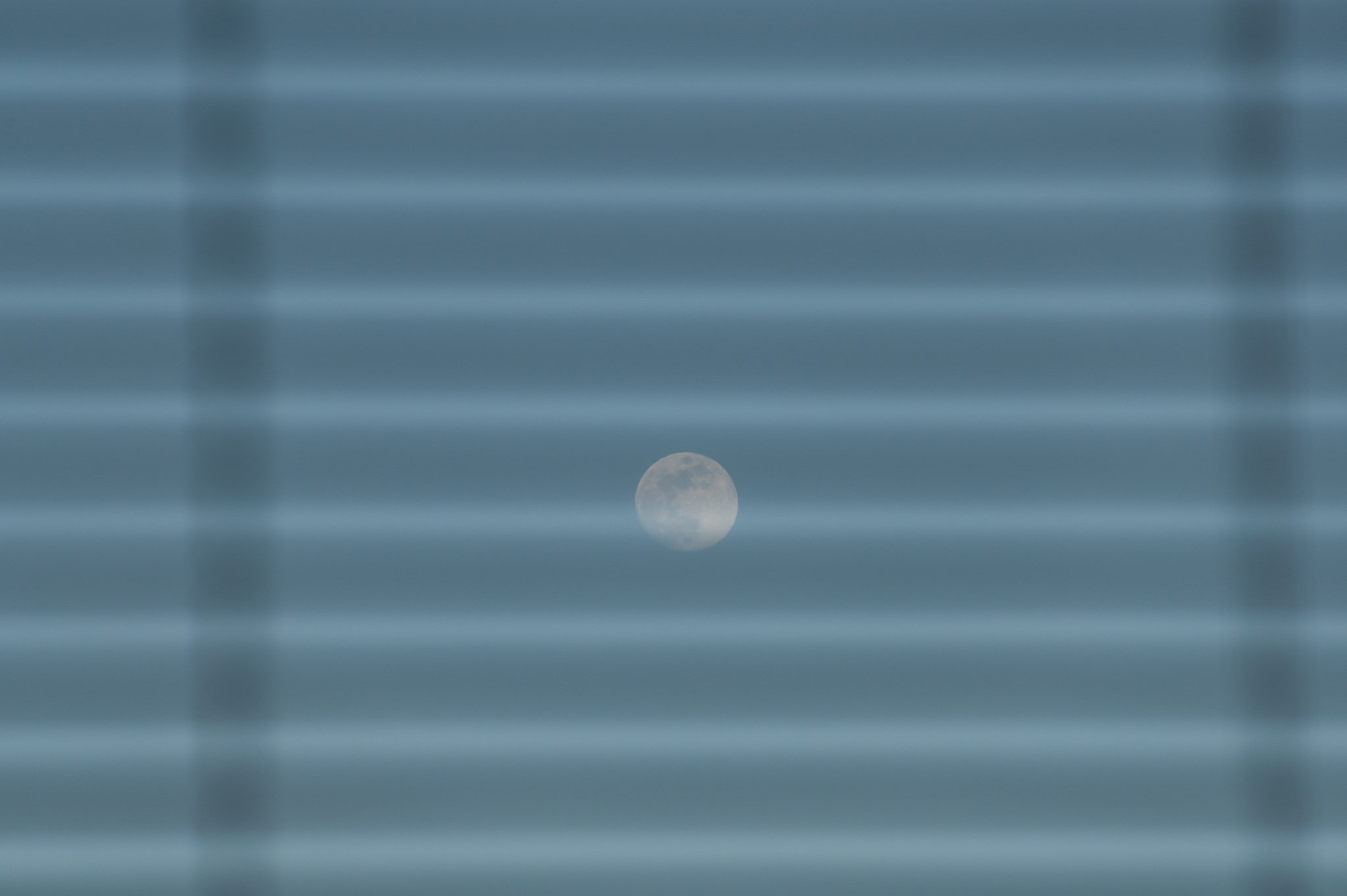
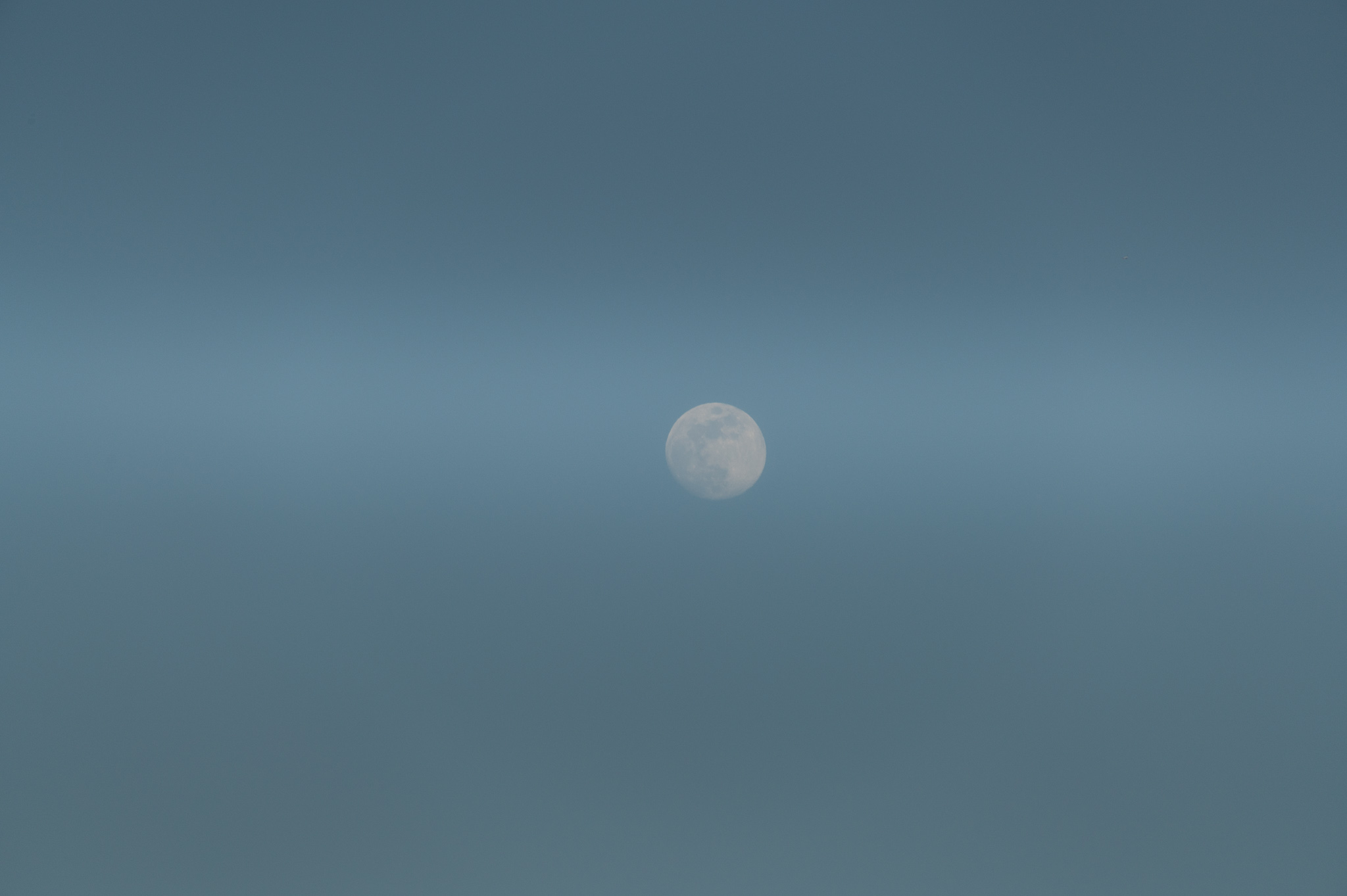
From my desk, I could see the the waxing gibbous moon rising. The geometry was such that the moon filled the gap between the open venetian blinds almost exactly. I took a picture with a 300mm lens, focused on the moon.
The moon behind venetian blinds
I was a little surprised how much the venetian blinds in the foreground blurred out over the moon when I did that. When looking through the viewfinder, the image seemed to match what my eye saw: the moon filling the gap between two horizontal lines.
Thinking about it, it made sense. I had the aperture at f/8, so the limits to the depth of field would cause the much closer objects to blur.
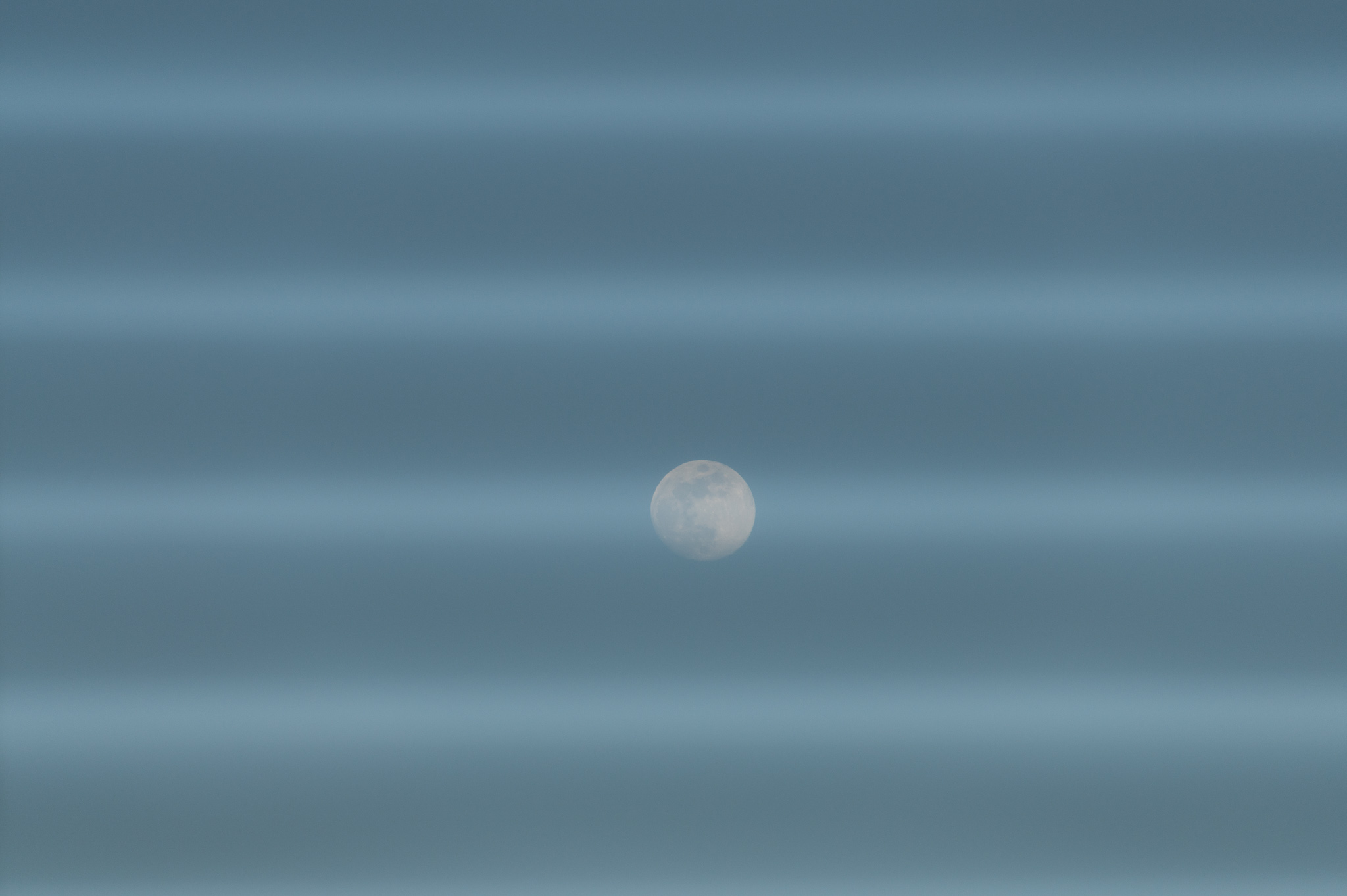
I took a few steps closer to the window, so there would be more of a gap between the blinds, and took another picture.
Moon
Although to my eye, the moon was only about 75% of the gap between the venetian blinds, the depth-of-field problem continued to obscure it. So I went even closer.
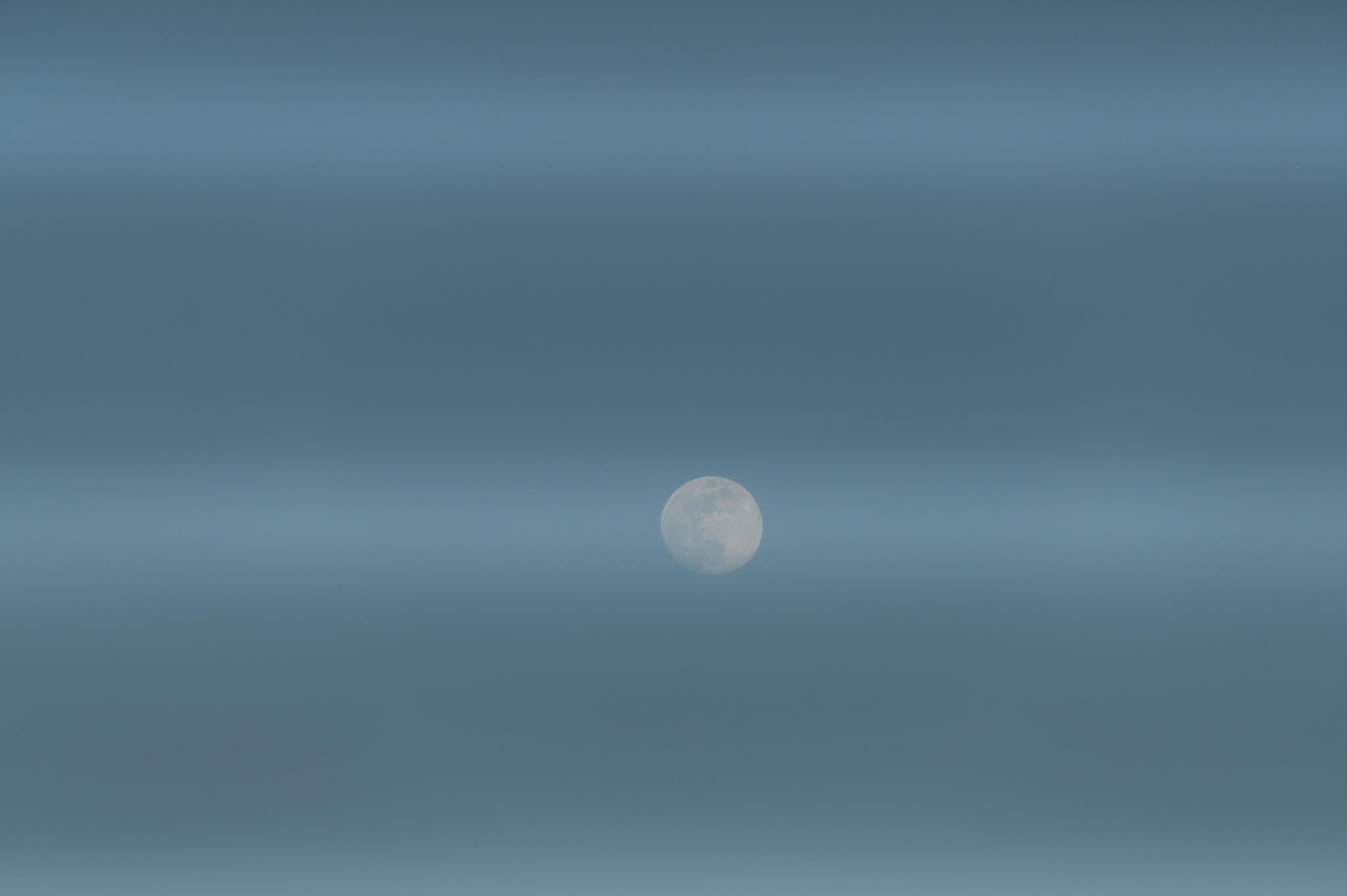
Moooon
Even though the moon was taking up half the gap (to my eye), the venetian blinds still obscure it. So I went right up to the window, where the view through the lens made it seem like there was no obstruction whatsoever, just a moon floating there.
Well, even at this point, the venetian blinds intruded upon the image. Thinking about it more, I realize that the diameter of the lens is bigger than the gap between the venetian blinds. The lens gathers light from all across its diameter, so there’s no way it can see “between” the slats — the light is blocked. Also, as I got closer to the blinds, I was asking the lens for more depth of field (which it could not give me). The slats went further out of the focus and are relatively more blurred. In all likelihood, I didn’t see the effect through the viewfinder because I wasn’t paying sufficient attention.
Back in the day, I probably could have found the right equations to explain this phenomenon. Today, I’m content to notice it and say “Hm. Interesting.”
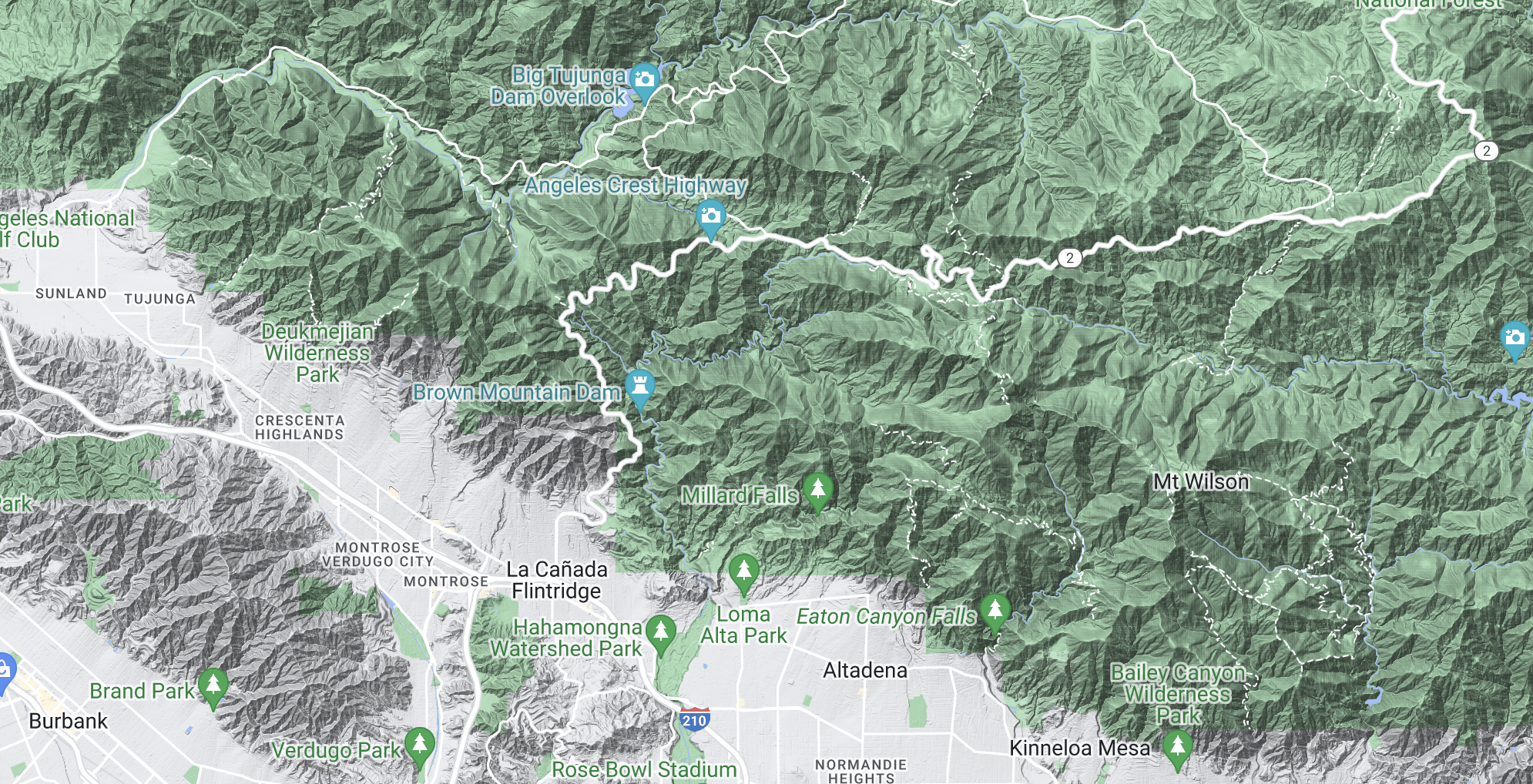
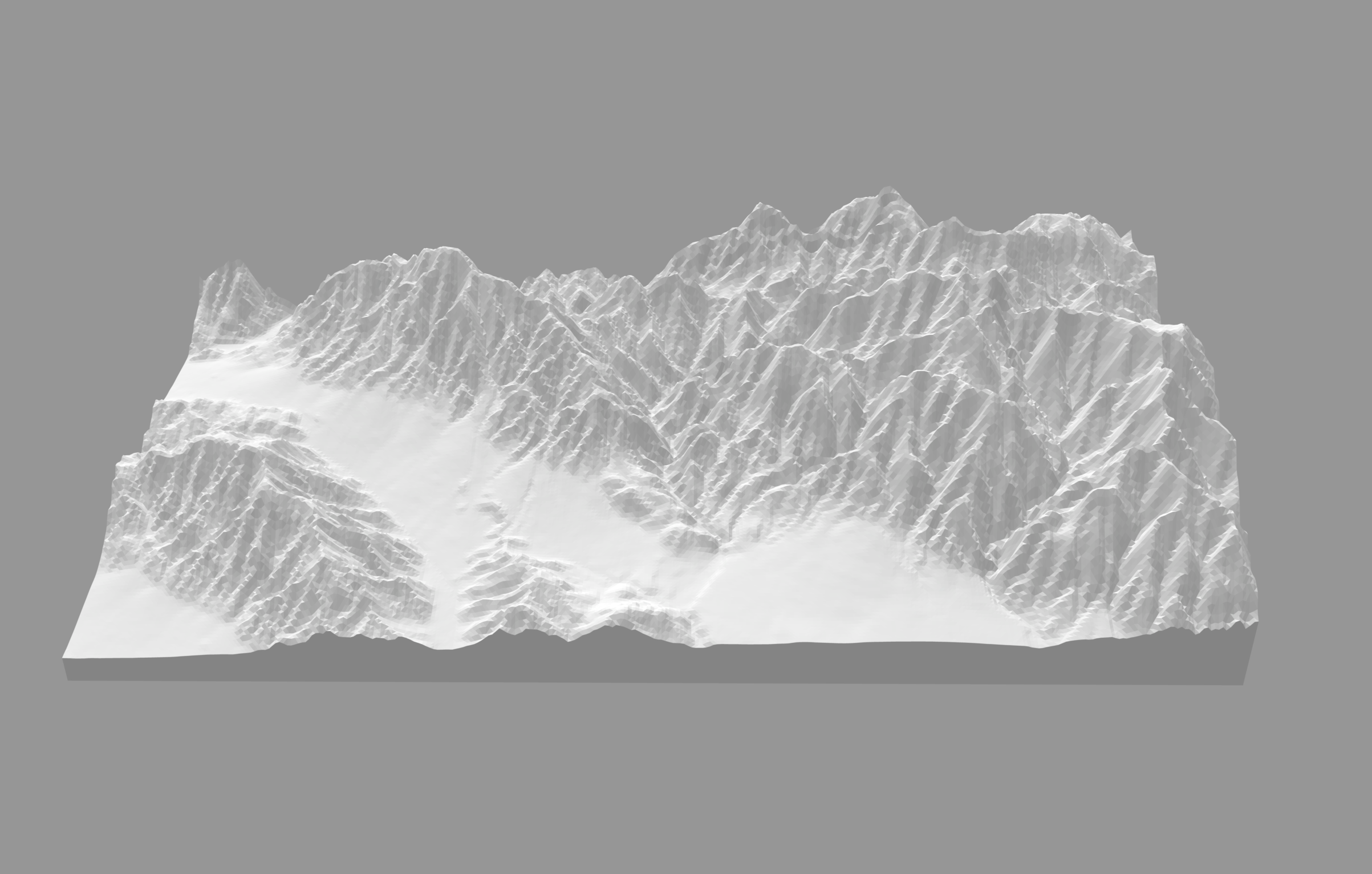
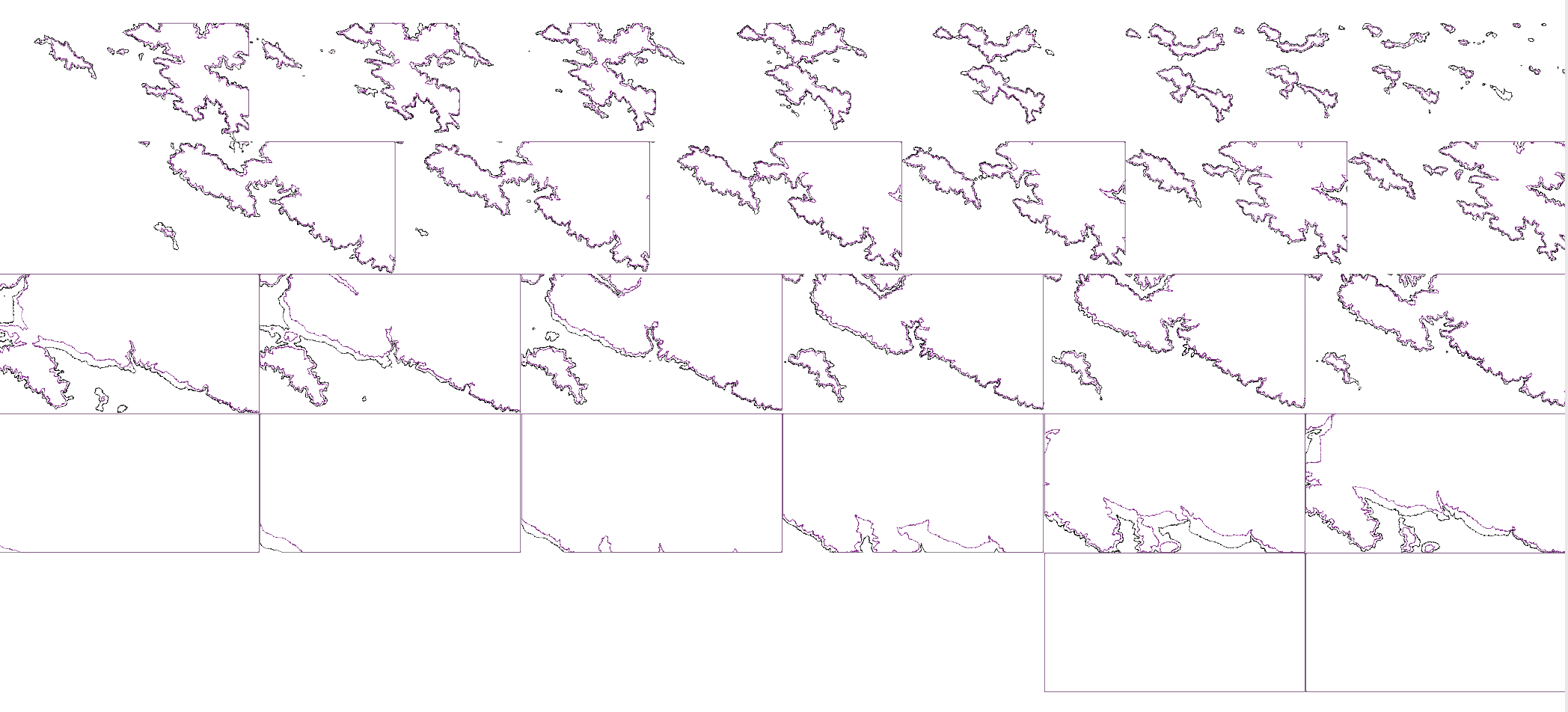
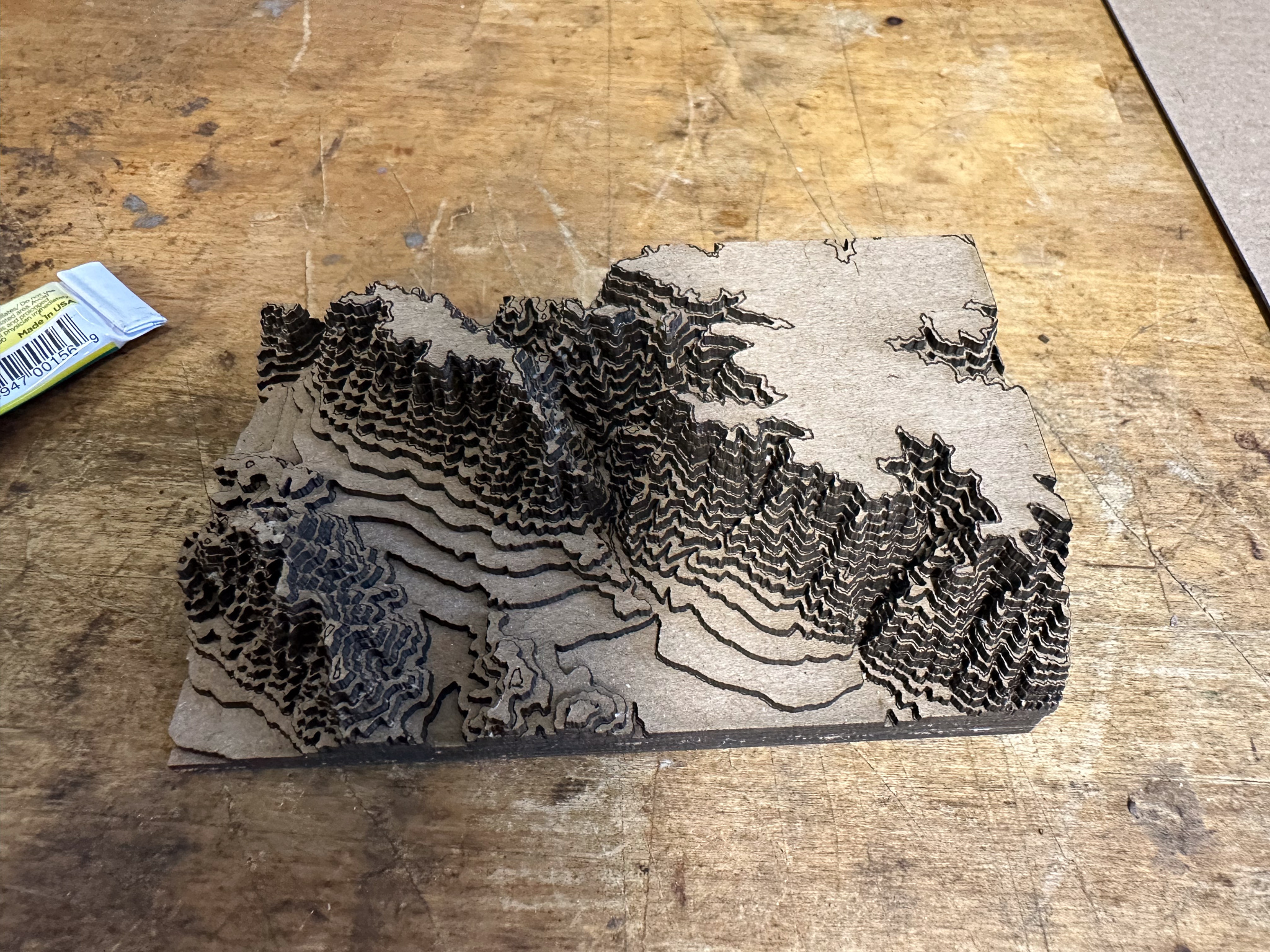
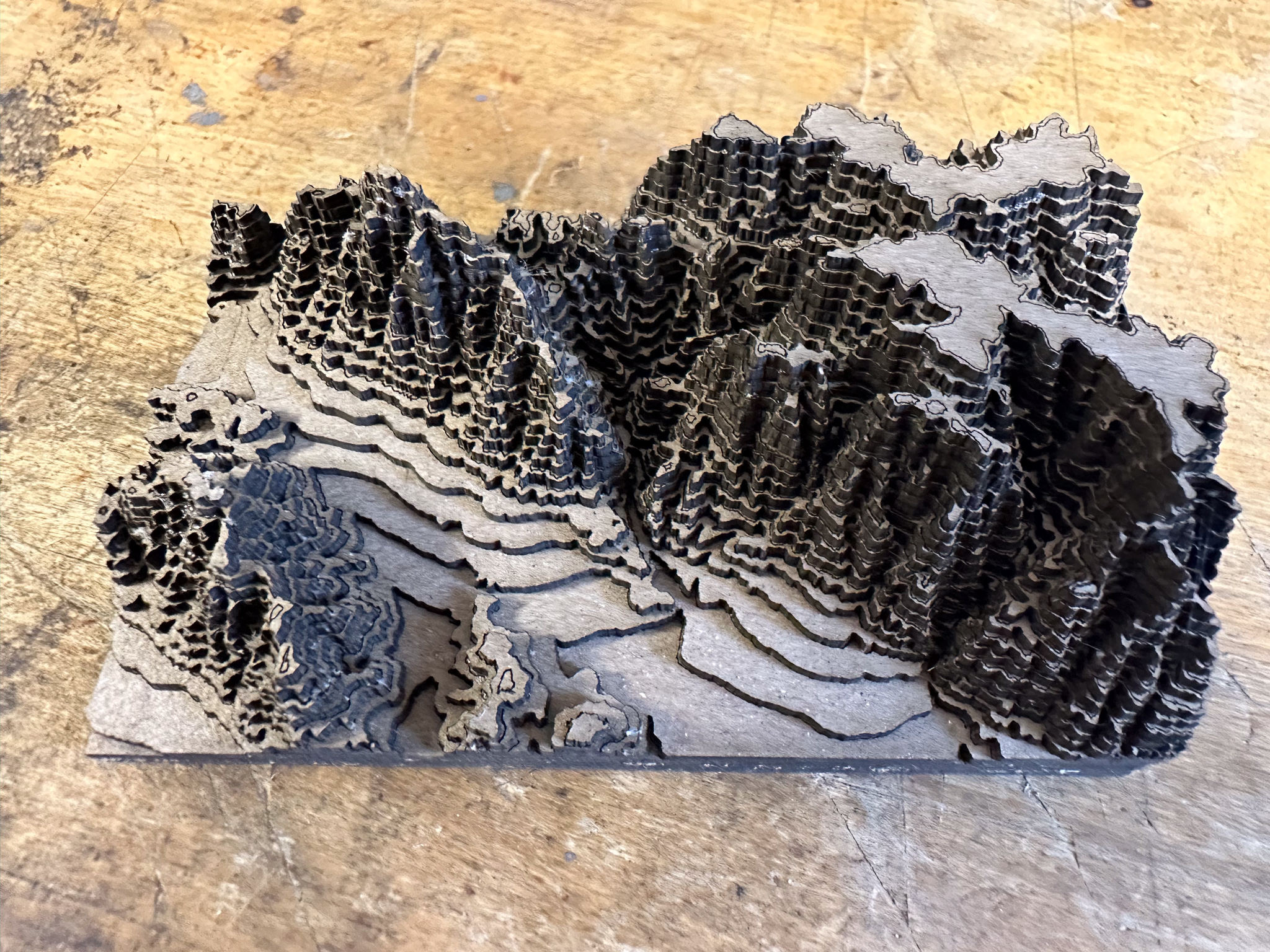
I’m not sure how, but at some point I came across this Instructables article on building models from maps. The article shows you how to use Terrain2STL and Kiri:Moto to get a portion of a map, generate a elevations file in STL format (originally designed for stereolithography, it’s a format supported by lots of 3D programs and tools), and convert that file into topographical slices.
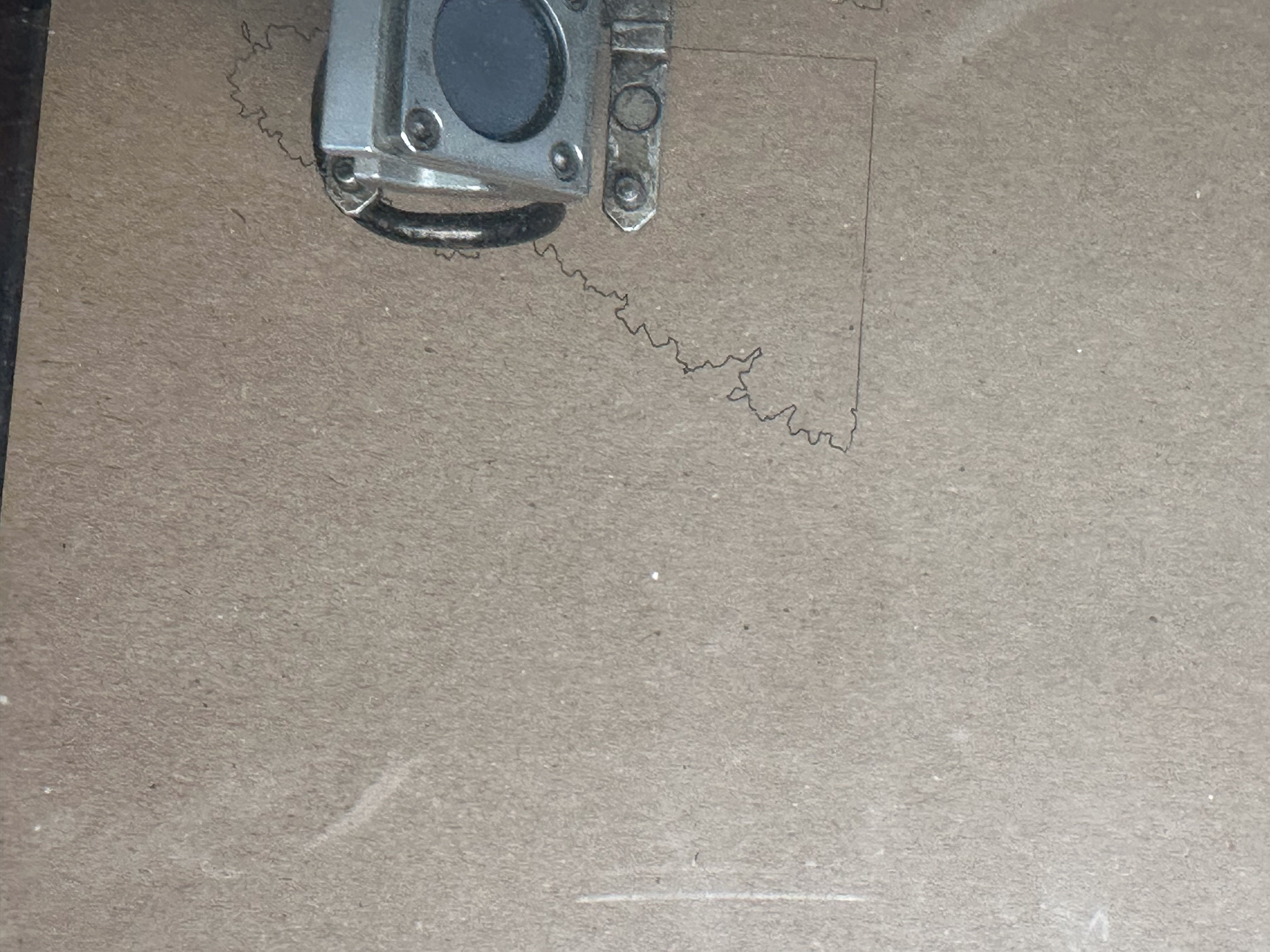
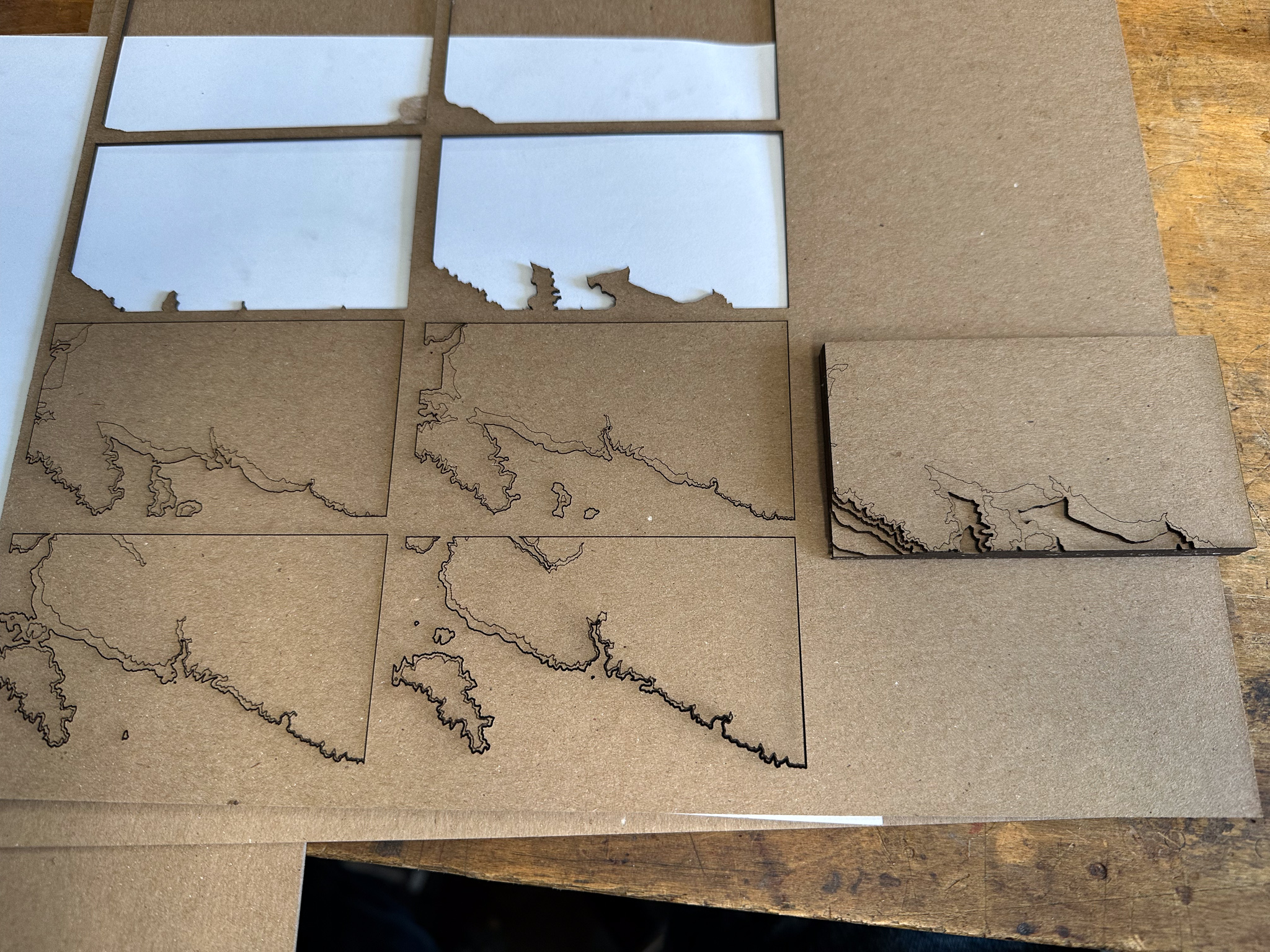
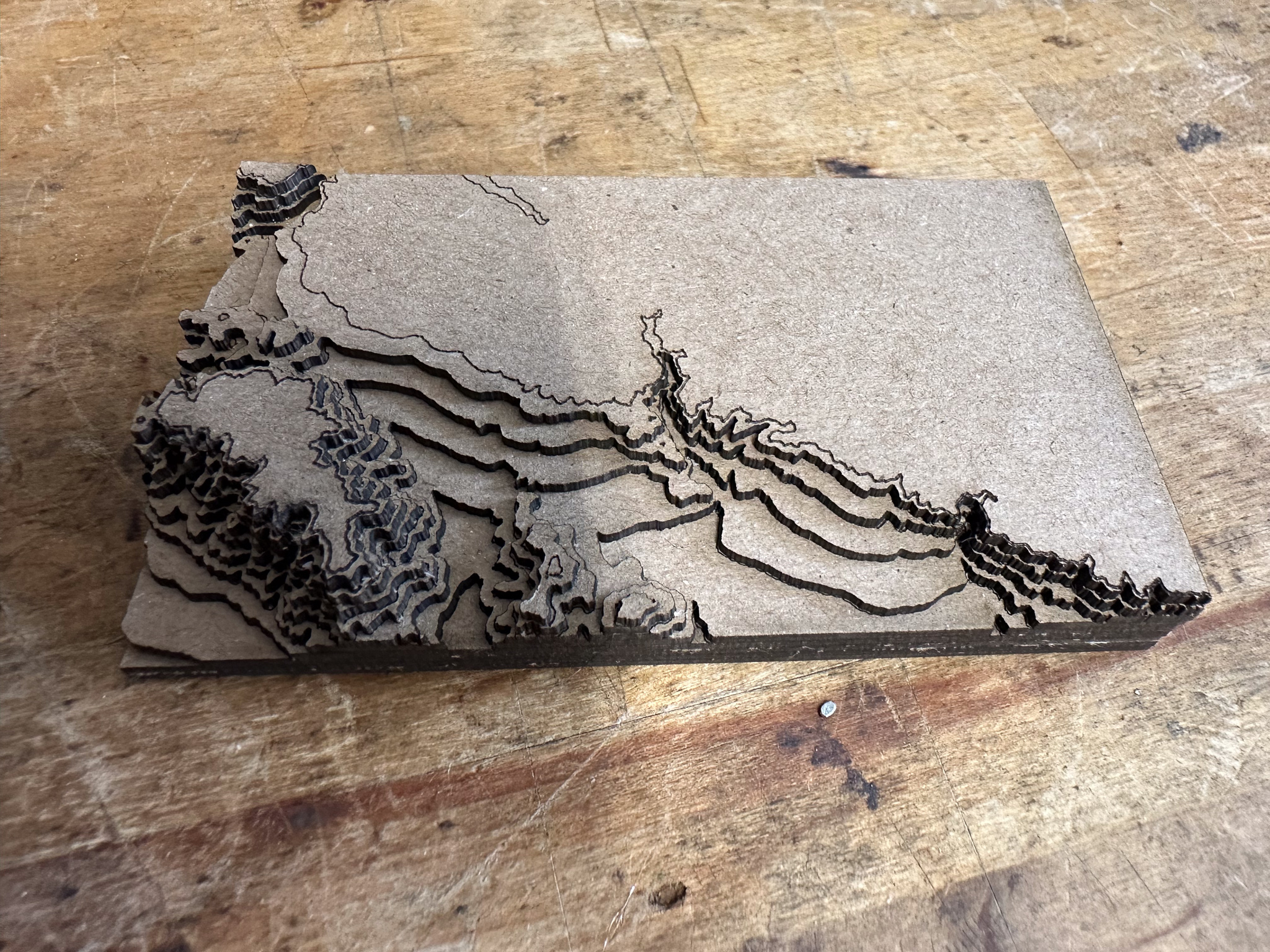
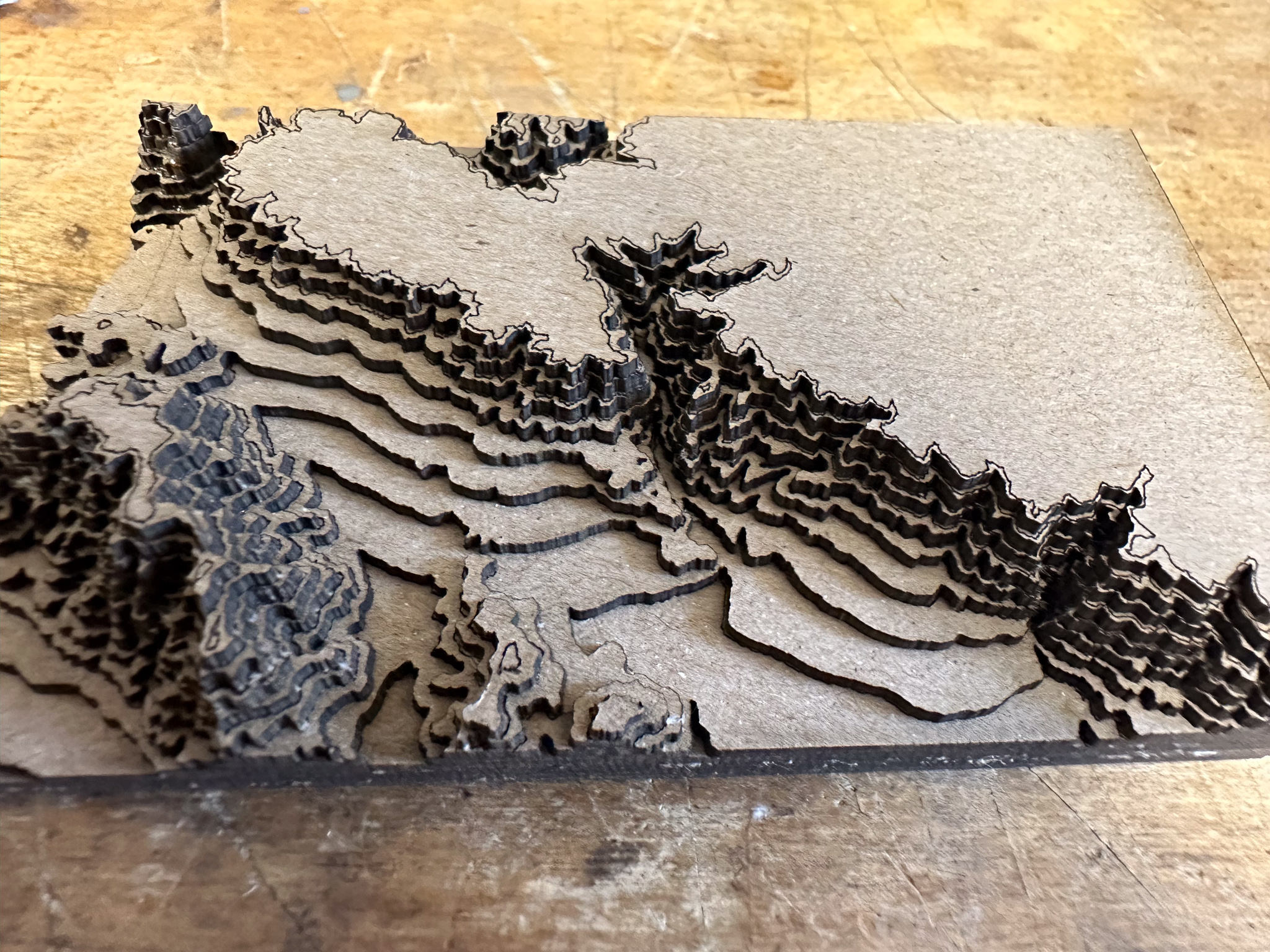
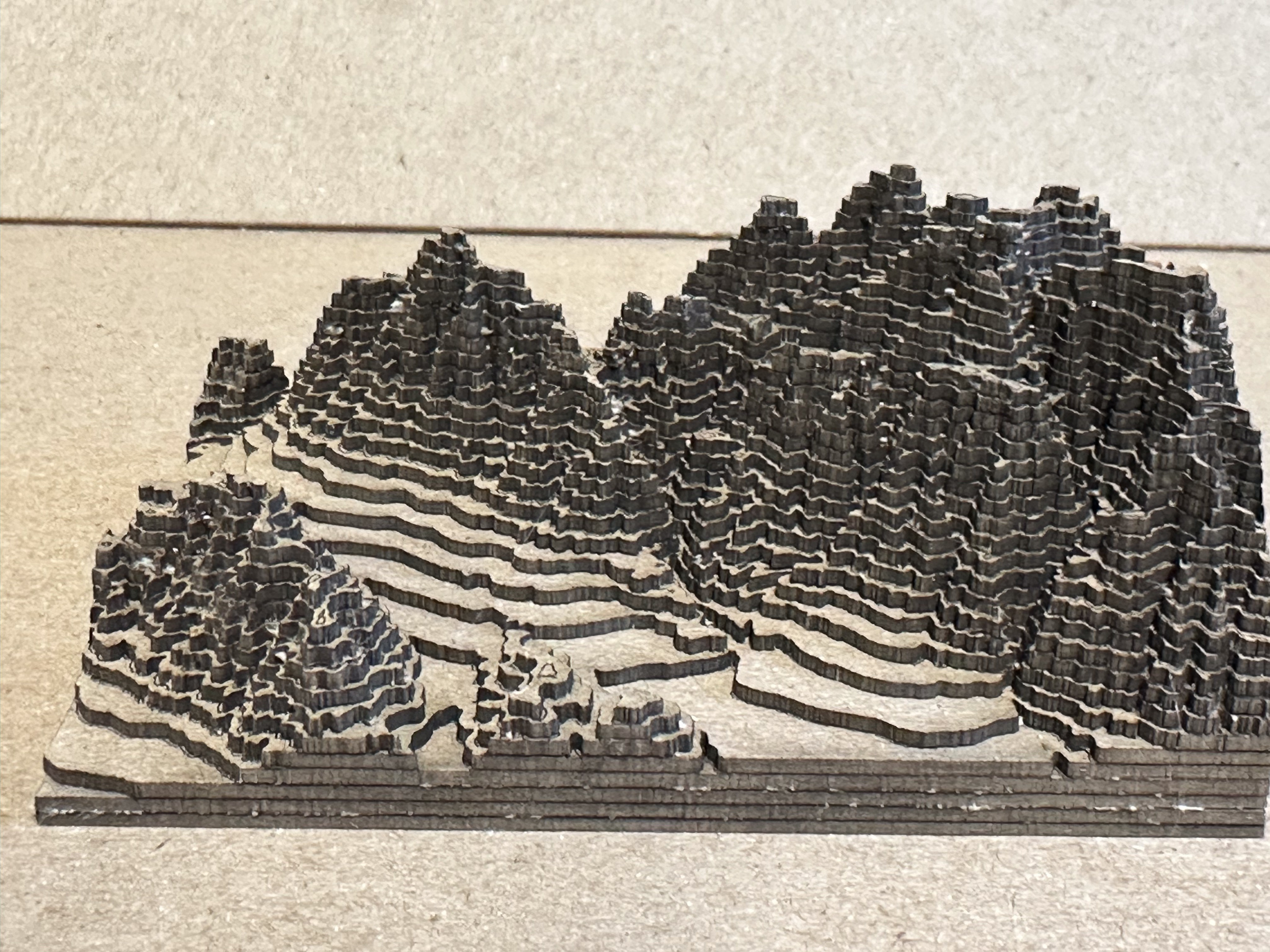
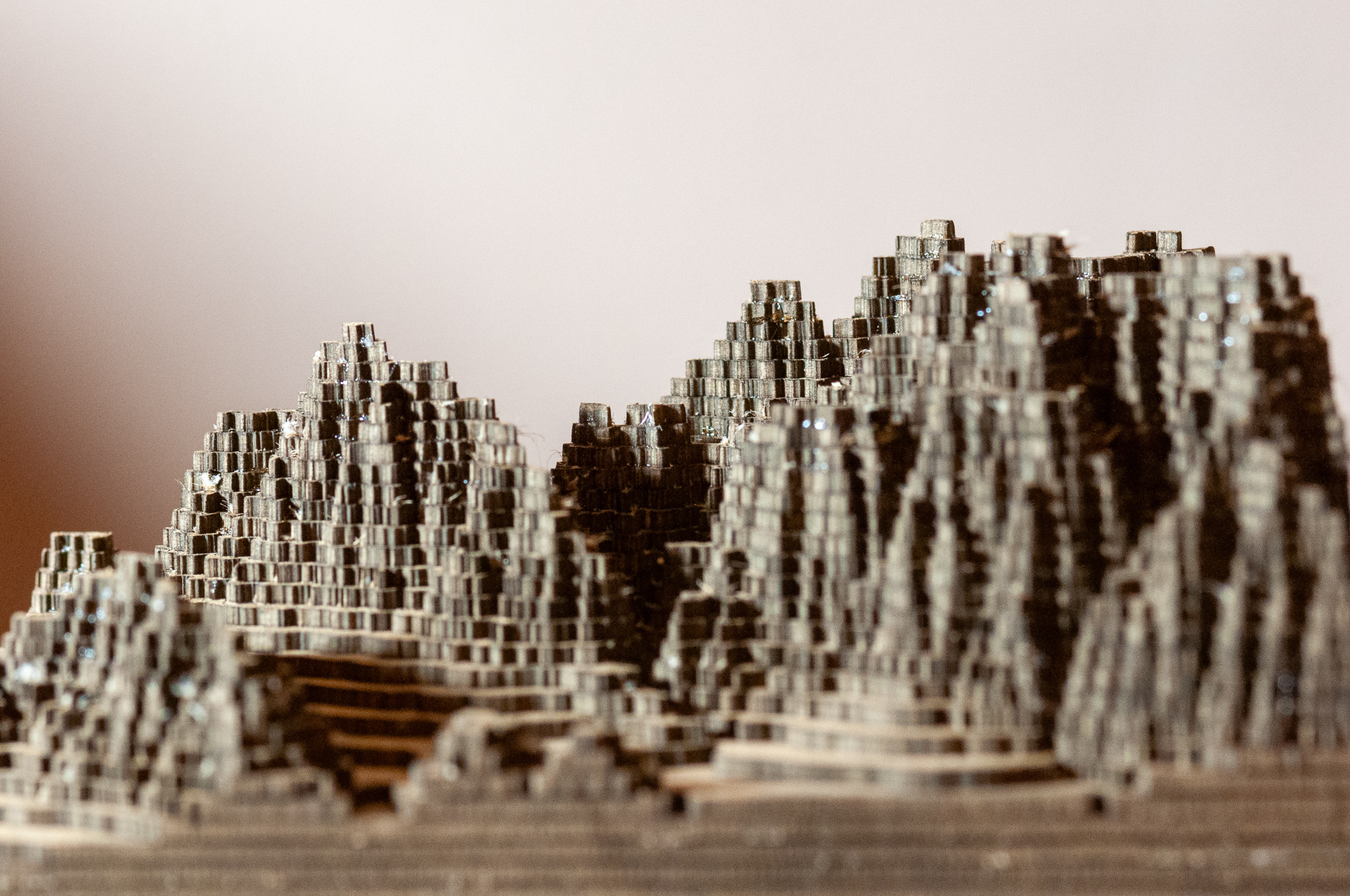
So I revisited the House Mountain area, and went through the process. I chose to exaggerate the vertical considerably to make it more identifiable. The tools yielded me an SVG graphic of all the layers. I did further conversion, and cut the scene out of chipboard using CrashSpace’s Epilog laser.
Click on any image to enlarge
I lost many of the finer peak tops into the interstices of the laser cutter. Even the ones I did manage to keep were difficult to glue. I’d use a magnifier and tweezers if I were to do it again.
I’m tempted to 3D print the STL file on a filament printer. The output would certainly be smoother and more detailed.